Howto create a test PSU
Still got an old ATX PSU lying around and don't know what to do with it? Well, maybe you could start using it as a 'test' PSU. To test your fans, cold cathodes are other modding stuff whenever you want, without having to boot up your PC. Now you might be thinking that this wouldn't be a problem, just plug in the power cable of the PSU and start the air/light show.. right?
Note : This howto is made for the newbies, most people will already know how to do this but I'm writing this for the newer people in the scene, so they also get the chance to know this :) Another IMPORTANT thing : this howto is completely at your own responsibility, if anything goes wrong, we aren't responsible. Normally nothing should go wrong but still look out, because you're 'messing' with the PSU.
Maybe you've already gave it a try in the past, but it doesn't work, your PSU really needs a motherboard before it can start running.. right? Nope it doesn't and this howto will show you how to do it without a motherboard.
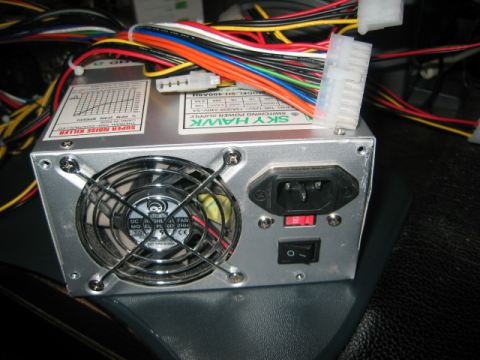
Now first start searching for an ATX Power Supply Unit.
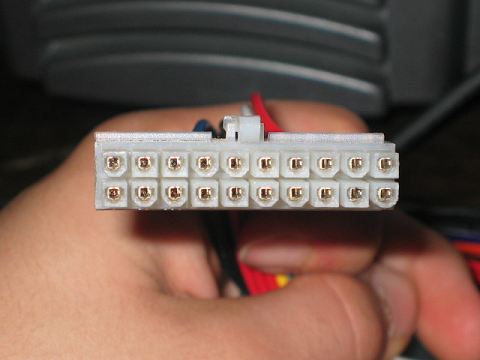
This is the motherboard connector, the connector on which all the magic is going to happen ;)
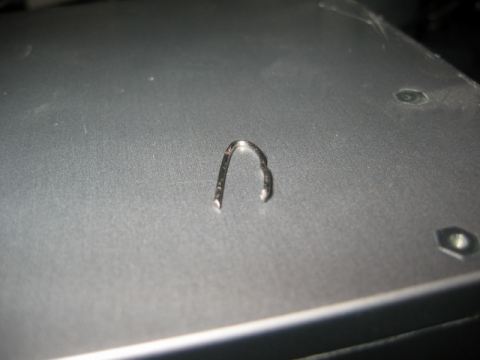
We also need a wire, or a paperclip I used the thingie that you see on the picture. Please make sure your PSU isn't plugged in while doing this mod! You might get a shock!

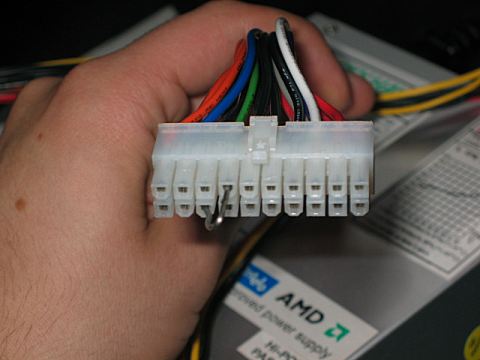
Overall this is a very easy mod, just search for the connector with the green wire and insert an end from the paperclip. Then pick out one of the connectors with a black (ground) wire and insert the other end of the paperclip.
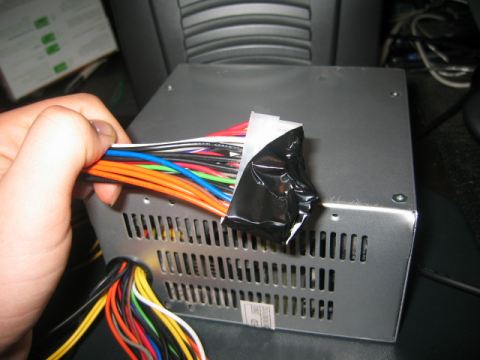
After this I covered the motherboard connector with some tape, just to be safe in case anyone or anything touches it..
Now plug in the power cable of your PSU.. AND start running!! The PSU is going to blow!! Lol just a stupid joke ;)
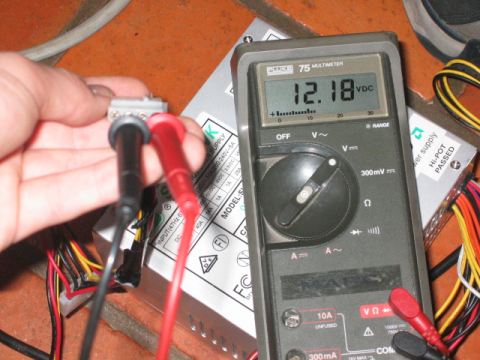
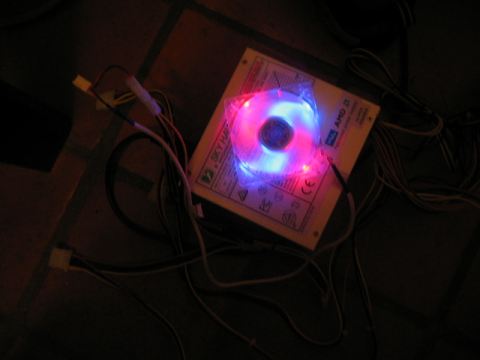
Ok we're ready. This test PSU should be ideal for testing or showcasing some of your fans, cold cathodes or other devices to your friends!
We hope you liked this howto, and hope you learned anything from it..
[ Back to Howtos ]
Loading Comments