Howto : Fixing old case fans
Note: This "ghetto modding" article was originally published in 2002 and may be outdated.
Got some old fans which suddenly start to make weird sounds, or start spinning slower? Damn what are we going to do about that? Are we going to throw them away, and buy a new one? Or are we going to fix them? In this howto we choose for the second option.
Note : ONLY do this at your own risk, if something goes wrong => DV Hardware can not be held responsable
Note 2: This will not permanently fix your fans, but it may make them last long enough until your new fans arrive.
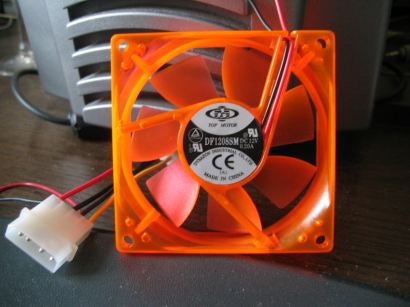
First remove the round sticker. Be careful, you'll have to put it back after we've finished it.
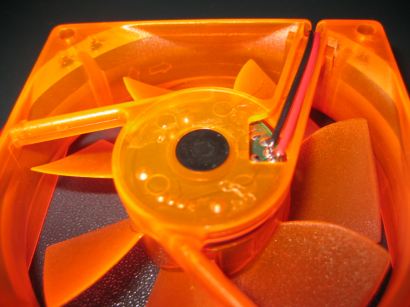
Now you should see a small round rubber or plastic piece, remove it with a small tool.
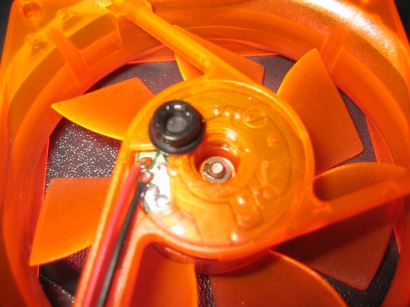
Ok now that's removed you should see a metal pin with a white or black round piece around it. Remove it with a small tool like a tweezer, but be careful that you don't loose it. It's possible that you see another round piece around the pin, not all fans have this but just careful remove it if your fan has this.
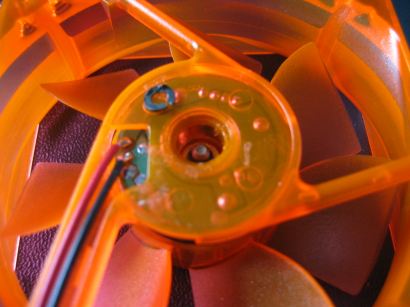
Now you can take the fan blades out.
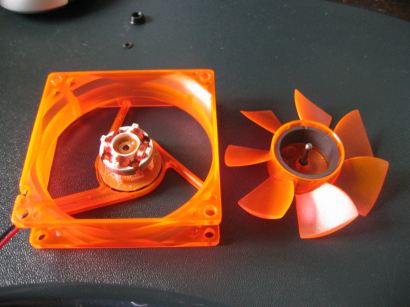
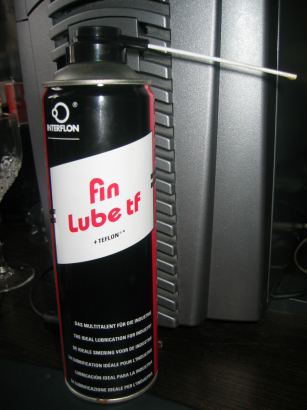
I used this lube to lubricate the fan, but you can also use other ones ofcourse.
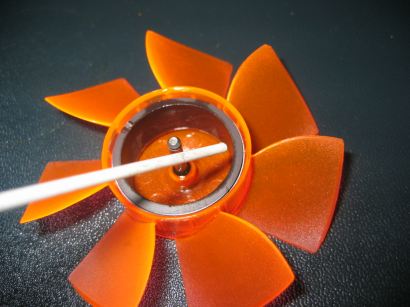
Spray a little bit, not too much in this magnetic circle. I spread it around a bit with a small paper.
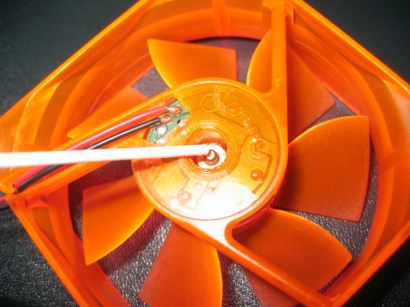
Put the fan blades back in, and spray again. Spin the fan a few times around and put back the small round piece. Spray another time, and put back the black round and the sticker.
[ Back to Howtos ]
Loading Comments