DV Hardware bringing you the hottest news about processors, graphics cards, Intel, AMD, NVIDIA, ATi, hardware and technology!

   Home | News submit | News Archives | Reviews | Articles | Howto's | Downloads | Mirror Area | Advertise
 
DarkVision Hardware - Daily tech news
  Login/sign up  
Main Menu

Home
User account
Info
News archives
Links
Articles
Howto
Reviews
Member list
 

Who's Online
There are currently 237 people and 0 DV-member(s) online.


Latest Reviews
  • Super Talent Pico 8GB USB Drive
  • Razer Destructor mousepad
  • Ghost Squad for Nintendo Wii
  • OCZ DDR2 PC2-9200 Reaper HPC Edition
  • Vizo Ninja II notebook cooler
  • PC Power & Cooling Silencer 610 PSU
  • Mario & Sonic at the Olympic Games for Nintendo Wii
  • OhMiBod Boditalk Escort
  •  

    RSS
    RSS
    RSS by email. Enter your email address:


    Howto : Make a 7/12V fan switch

    (180 total words in this text)
    (23287 reads)   Printer Friendly Page


    Article by : SpotTheCat
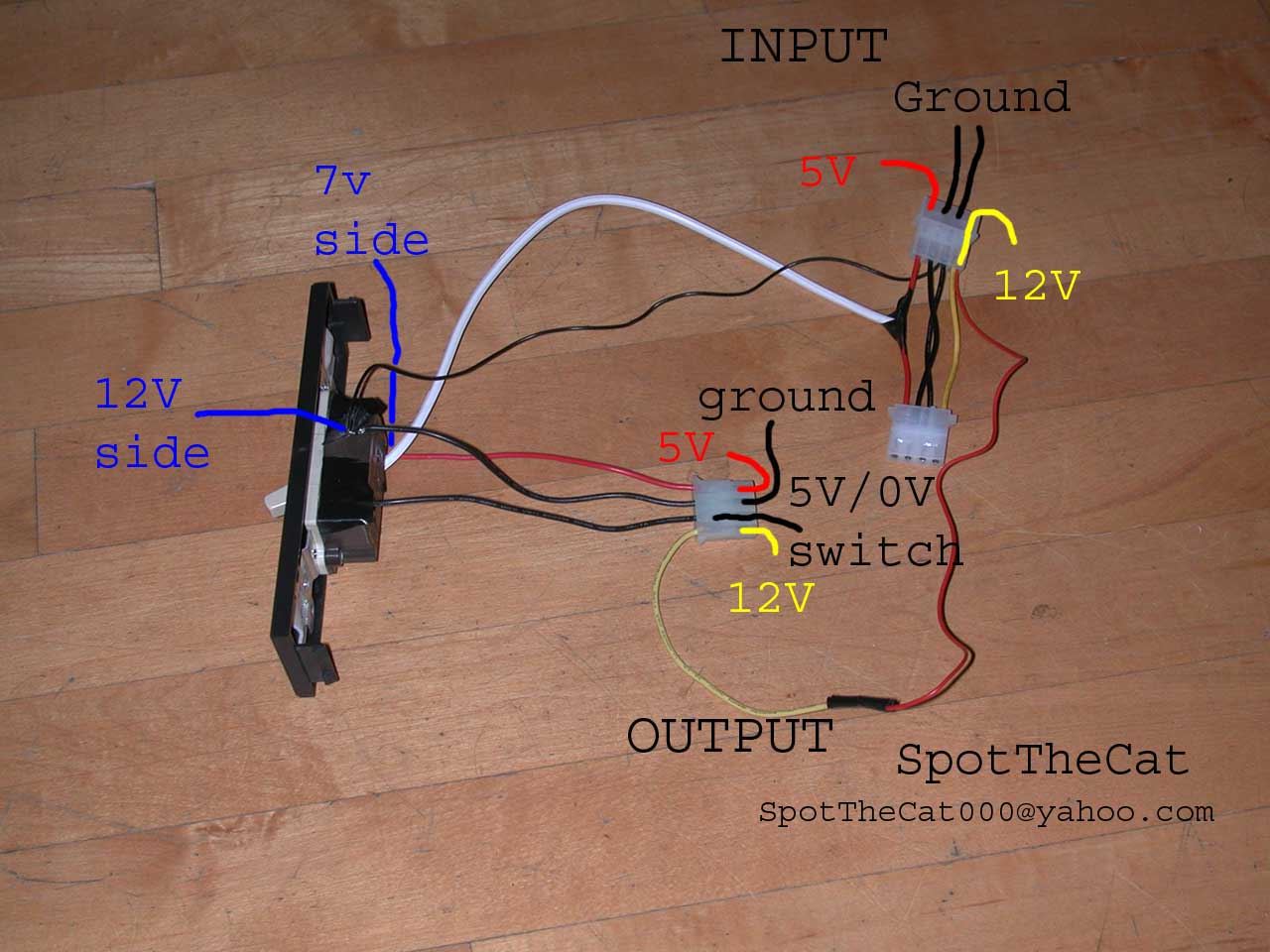
    I made this, it's better than a rheostat/baybus because those produce heat, cost more money, and can't handle big fans. I went to my hardware store and bought a 3way lightswitch for $1.20, cut a hole in a 5.25" bay, and mounted it. The wiring is slightly complex, Here's how I made it :

    Yellow - always +12V
    Black - either ground or +5V, depending on switch position
    Black - always ground
    Red - always +5V


    Here are some pics I whipped up, click on the image for a bigger picture
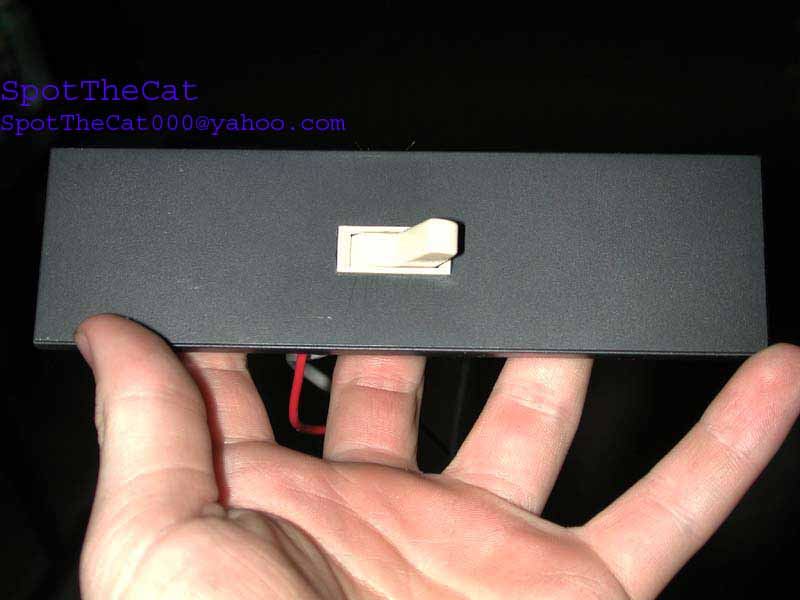

    How it works: when the switch has the negative fan lead at ground, the total voltage is 12-0=12V when the negative fan lead is at +5 you get a resultant of 12-5=7V

    You can have fans always 7 or always 12 by moving the pins on the molex connecters to the always 5 or always ground leads


    Come to this forum topic if you have any questions.
    Thanks go out to SpotTheCat for providing us with this howto and pictures!
      

    [ Back to Howtos ]
     

    DarkVision Hardware - Privacy statement
    All logos and trademarks are property of their respective owner.
    The comments are property of their posters, all the rest © 2002-2008 DarkVision Hardware