Logitech Illuminated Keyboard review
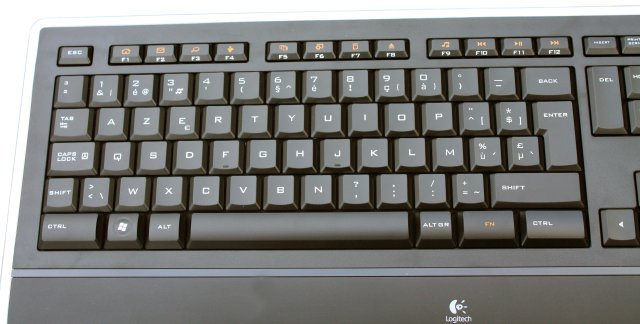
The layout of the Logitech Illuminated differs a bit from regular keyboards, it's a bit more laptopish which reflects the look and feel of the keys. The backspace, enter and tab buttons for instance are smaller than usual, while both CTRL buttons are larger than average.
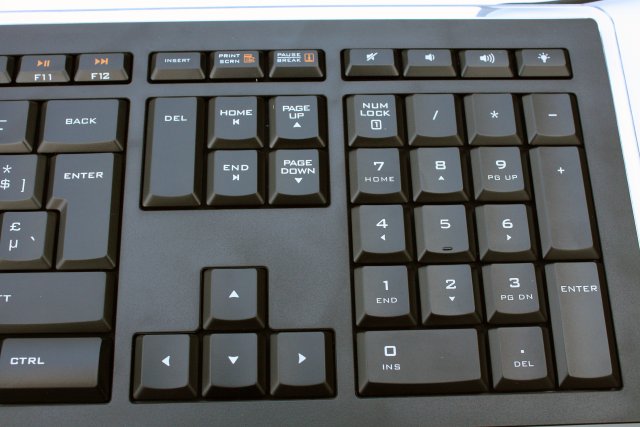
Due to the minimalistic design of the keyboard there are very little extra buttons. There are four buttons in the upper right corner and a "Function" button to activate the second functionality of the Function keys.
One of the buttons in the upper right corner has a light bulb on it, this key is used to control the illumination of the keyboard. There are three illumination levels, and after the fourth press on the button the illumination will be deactivated. Left of the illumination key are the volume buttons. As you may notice, there's no dedicated Scroll Lock key but that's not a problem because most people barely or even never use this key.
The function buttons are pretty small and they all have a second functionality. From left to right: My Home, E-Mail, One-Touch Search, Messenger, Application Switcher, Gadgets, Calculator, Eject drive and Media Player. The function of these nine keys can be remapped, though. Additionally, there are also another three multimedia keys; previous/fast backward, play/pause and skip/fast forward. These second functions are activated by pressing the orange Function (Fn) key.
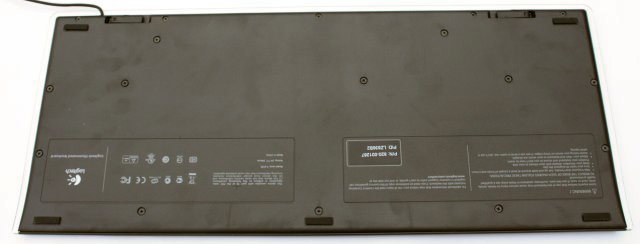
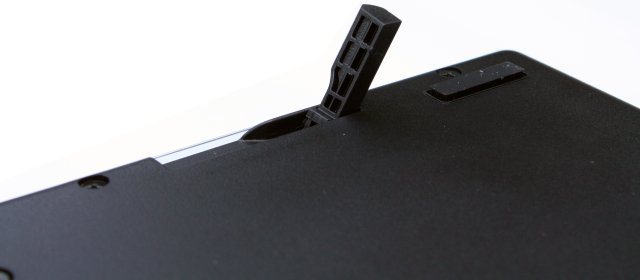
The back is black like the rest of the design, there are two plastic risers and four rubber anti-slip strips.
All the keys of the Illuminated Keyboard have a thin profile, similar to laptop keys but with a longer key travel distance. On the picture below you can also clearly see the transparent plastic borders of the keyboard.
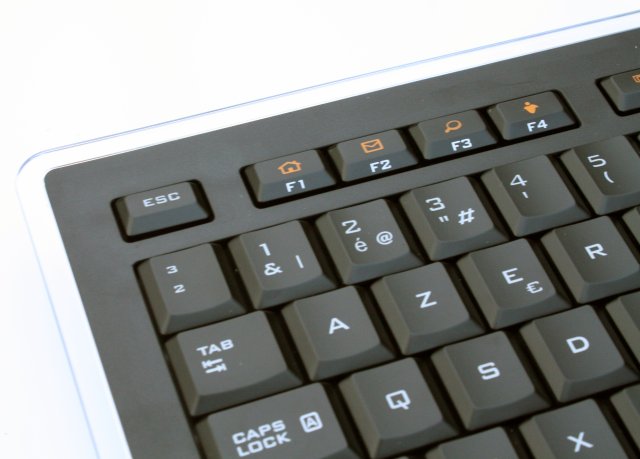
Thanks to its 9.3mm thin frame the Logitech Illuminated Keyboard looks and feels a lot less bulky than a regular keyboard.
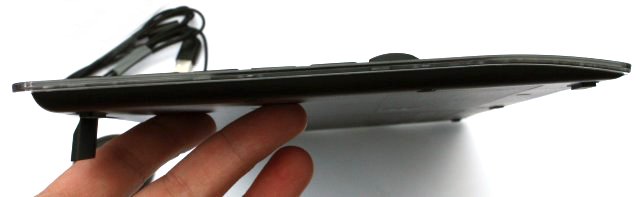
The keyboard is very flat.
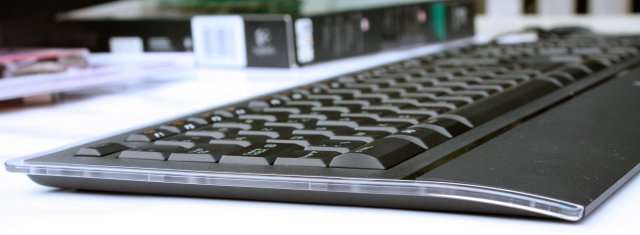
But you can increase the angle with the keyboard risers, if necessary.

 Previous Page (1/3)

Added: May 31st 2009
Product reviewed: Logitech Illuminated Keyboard
Reviewer: Thomas De Maesschalck
Score: 9/10
Page: 2/3
