NZXT Sentry LXE fan controller review
Over a decade ago before the computer enthusiast industry really kicked off you had to make your own fan controller because such products weren't available on the market. You took one of your computer case's bay covers and drilled some holes into it in order to add switches or potentiometers to control your fans. Companies took notice of the growing demand and a couple of years later there were dozens of fan controllers available on the market, many with designs and features you just couldn't make yourself.Now that more and more high-end computer cases are shipping with built-in fan controllers, companies have to get more creative to drive sales of fan controllers. A prime example of this is the subject of this review, the NZXT Sentry LXE. This fan controller is an external version of the company's Sentry LX, it's designed to be placed on your table right next to your PC and lets you adjust fan speeds with a touchscreen interface.
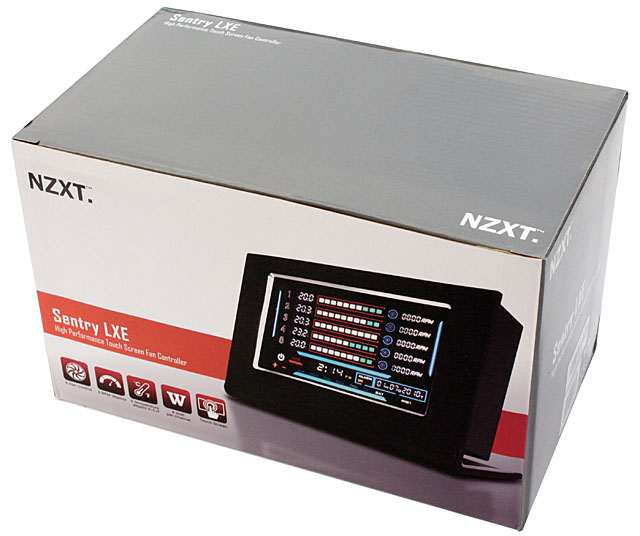
The product arrives in a nicely designed cardboard box that's quite a bit larger than what we're used to from fan controller packages.
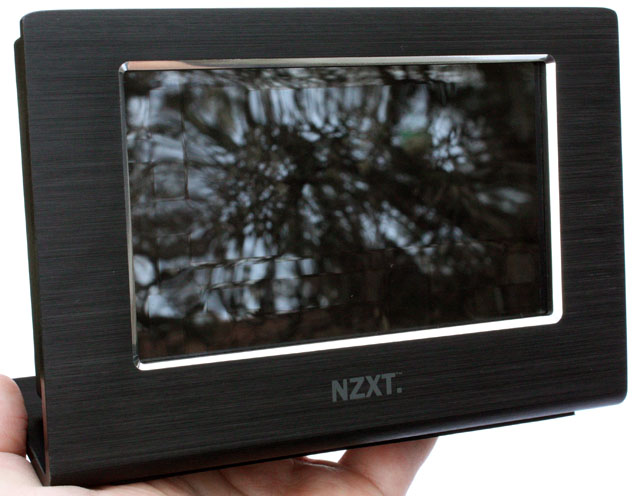
Here's a first look at the fan controller. It's the most advanced fan controller I've ever seen, it has a 5.27" touchscreen and is packed with functionality. It has five fan channels that can provide up to 10W per channel, as well as five temperature probes. The device notifies you when temperatures rise above a designated point, and offers both auto and manual fan control. The auto fan control adjust the fan's RPM based on the temperature of the corresponding temperature probe.
Here's a look at the Sentry LXE's technical specifications:
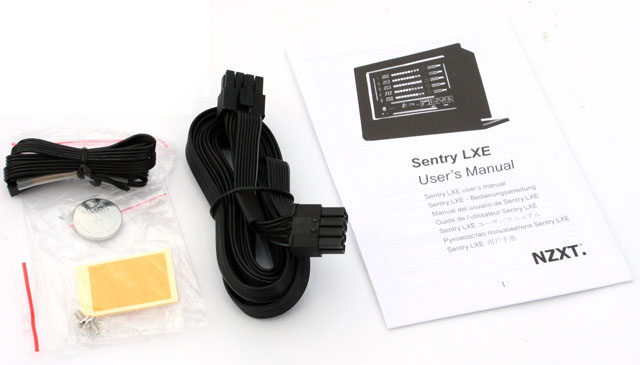
Here's a look at the included accessories, it includes a brief (and uninformative) user manual, the power cable for connecting the screen to the PCI card, two screws, pieces of tape to secure the thermal probes, a cell battery, and two replacement thermal probes.Fan Adjustment Range: 3.7V to 12V Fan Channel: 5 Max watt per channel: 10W Temperature Module Channel: 5 Temperature Range: 0 ~ 99°C / 32 ~ 199.9°F Measurement Frequency: Every 2 Seconds Temperature Alarm Range: 30°C to 90°C (AUTO): Min 50%, Under 0-25°C, fan RPM 50% (MANUAL): Min 40% Screen Size: 5.27 inches External Cable Length: 6.8 feet
The Sentry LXE consists of two parts; the LCD display and a controller that's installed into a PCI slot. The card doesn't actually use the PCI interface, it only uses a PCI slot because it makes it convenient to install the device in your case. The LCD display is connected to the controller via a 2 meter long cable. The Sentry LXE that I received uses a pretty ugly ribbon-like cable but I was told that new retail revisions of the fan controller ship with a much nicer cable.
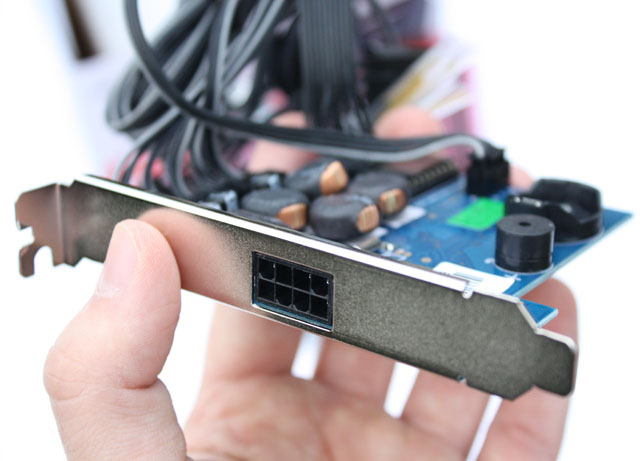
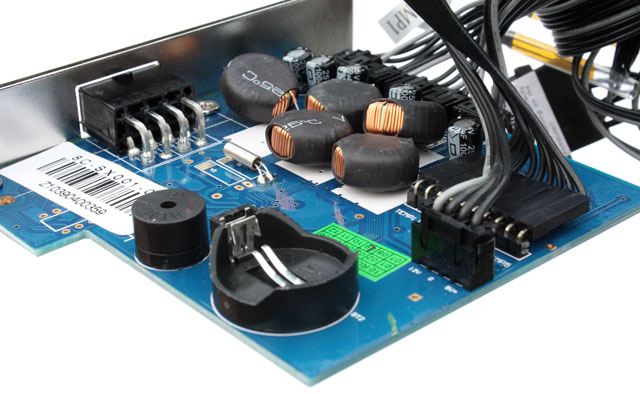
The coin cell battery from the accessory bag has to be installed onto the PCB, it ensures that settings are saved when power is disconnected.

Added: April 20th 2011
Product reviewed: NZXT Sentry LXE fan controller
Reviewer: Thomas De Maesschalck
Score: 8/10
Page: 1/3
