Flexiglow Lazer Beam Kit review
Introduction
Flexiglow provides us their newest product: the Lazer Beam LED. One of the mission statements of FLexiglow is to supply lighting products of the highest quality and innovation. So let's have a look at the Lazer Beam LED!

|
|
Features and options
Features
Optional Extra's
|
|
|
|
|
|
|
|
|
Installation
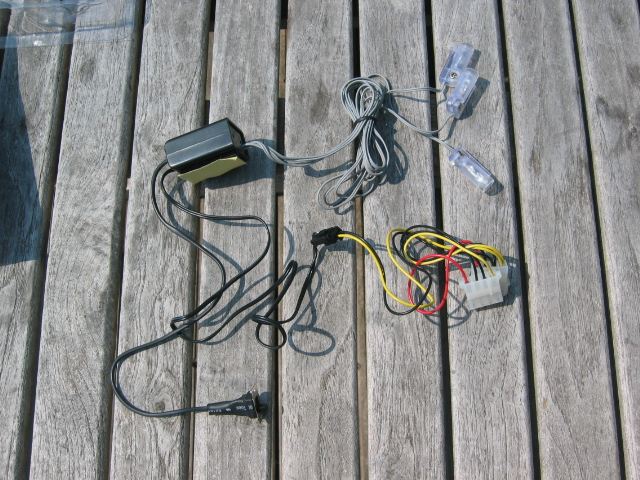
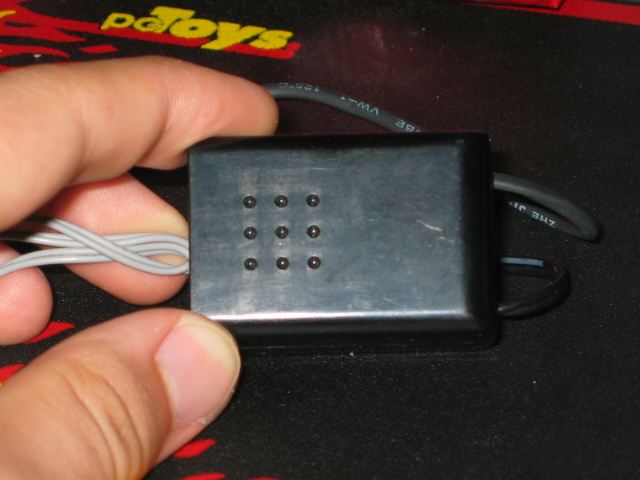
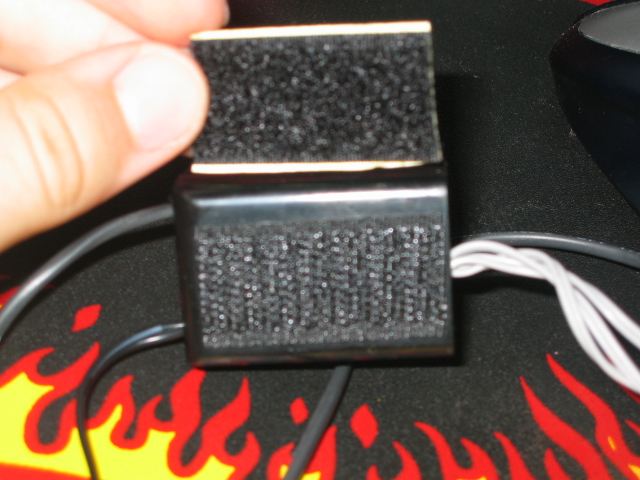
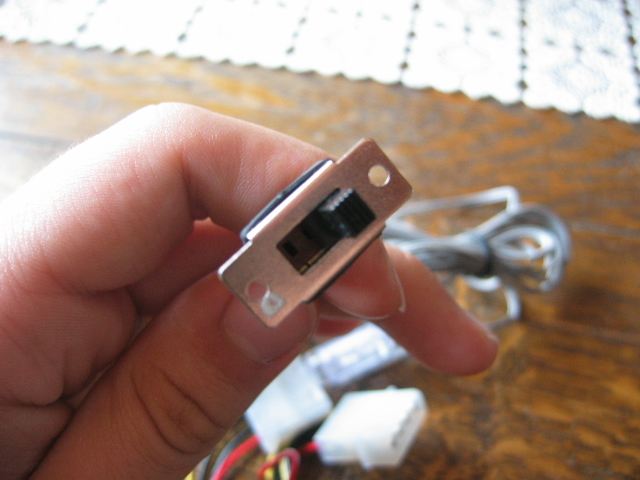
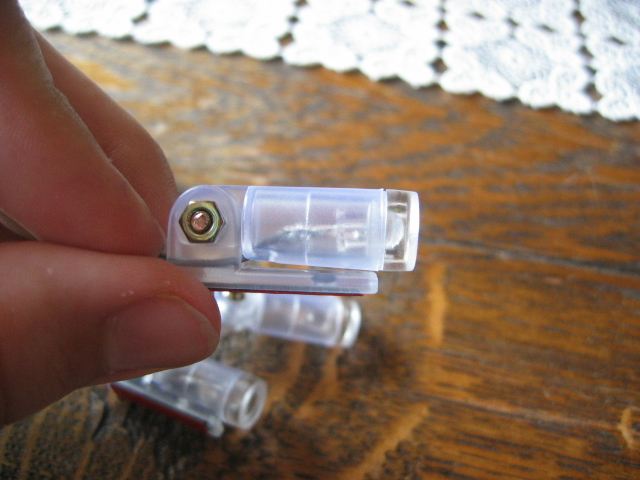
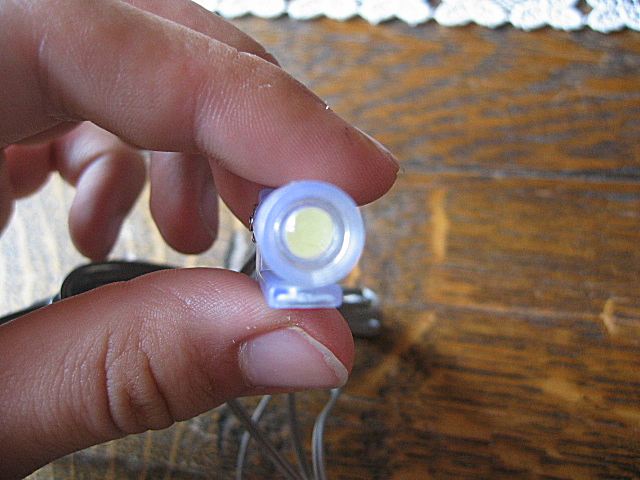
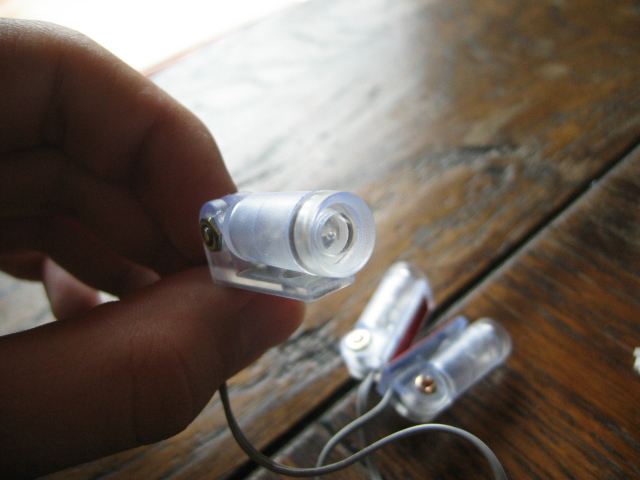
The installation is very easy. You just have to place the LEDs somewhere in your case ( with the adhesive stripe that's on the tube of the LED ). There also a 12V inverter, that you also have to put into your case or somewhere else. And with an easy button you can turn off the LEDs, make them flash and turn them on without flashing. The Lazer Beam LEDS are available in 5 colors: Ultra Violet, White, Green, Red and Blue. (Pictures were provided by LSDsmurf, so the case you see on the pictures is not mine, but the one from LSDsmurf)
|
|

|

|

|
|
Testing
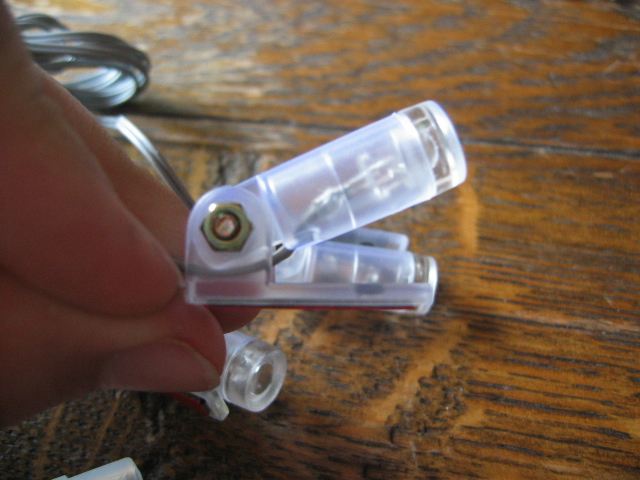
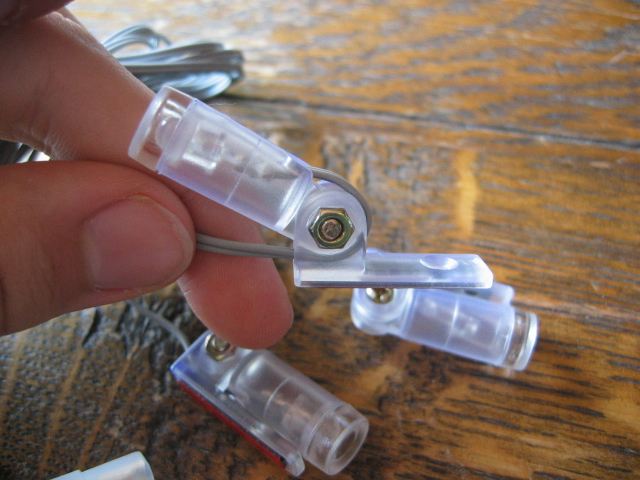
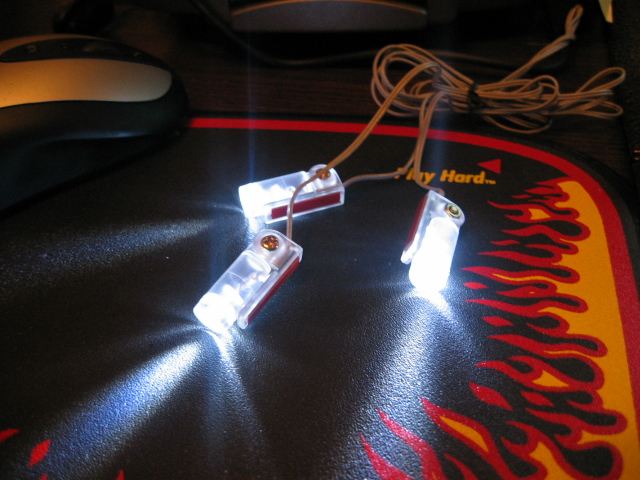
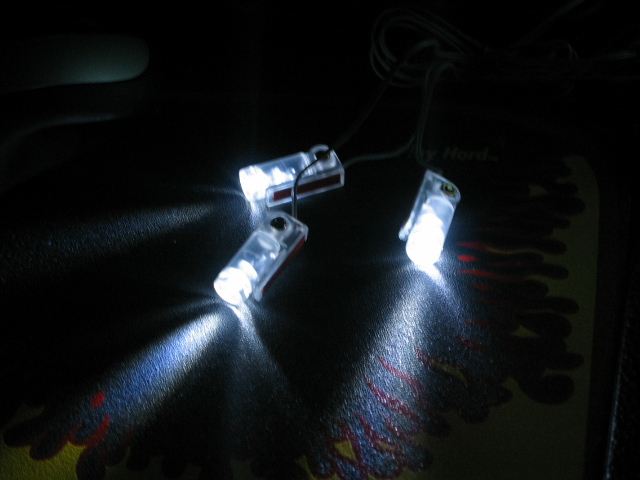
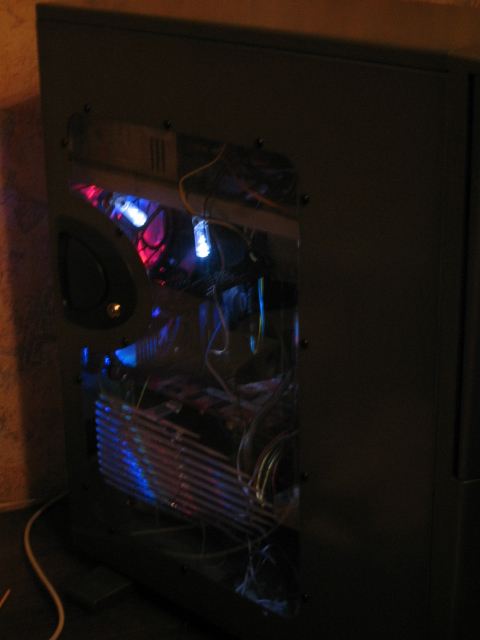
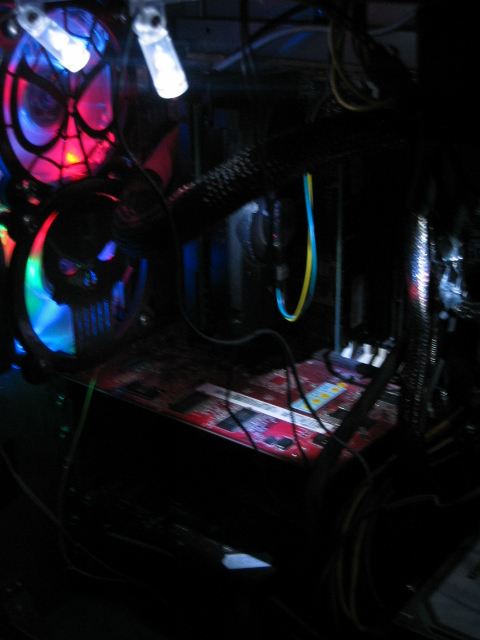
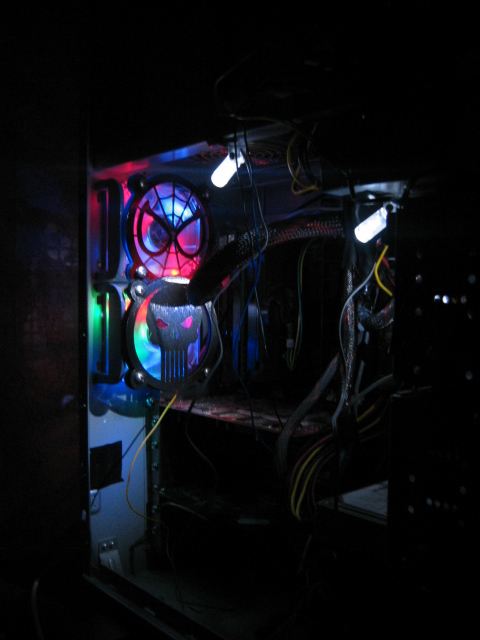
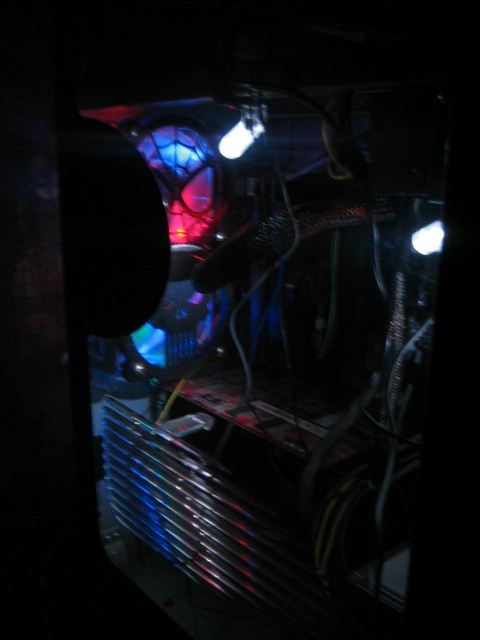
The switch button doesn't look very strong. The LED's are bright in dark, but you can't see them very good when it's a sunny day. But if you want some lighting in your case, the Lazer Beam LEDS will work. You can also use the Lazer Beam LEDs in your car, but I haven't tested it. You can turn the LEDs 180°, so that a good point, isn't it? There are three LEDS in 1 packet. The wires are long, but this can be a positive and a negative point. It's a positive point because you can place the LEDS everywhere you want, but the negative point is that is creates a wire mess in your case. Here are some pictures with the Lazer Beam LEDs in LSDsmurf his case.
|
|
|
|
|
Optional extra's
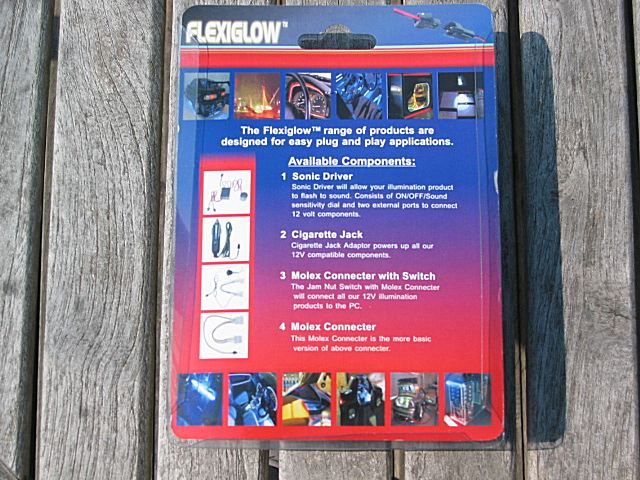
The list of optional extra's is above, but here are the features of the optional extra's:
Cigarette Jack
Sonic Driver

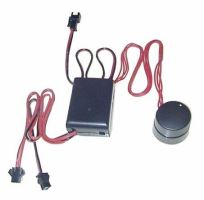
I haven't had the opportunity to test one of these extra's, so I don't know if they are good or bad.
Conclusion
The Lazer Beam LEDs from Flexiglow light up your case. The installation is easy, and they are available in 5 colors. With the switch button, you can put the LEDs off, make them flash, or make sure they produce light the whole time. You can use the Lazer Beam LEDs in your PC case, in your car, ... . The wires are long, that's positive because you can place the LEDs where you want, but it really creates wire mess in your case. But overall it's a good product if you want some lighting in your PC case you surely have to think about buying it.
Positive
Negative
Added: May 30th 2003
Product reviewed: Flexiglow Lazer Beam Kit
Reviewer: LORDrazer
Score: 8/10