Introduction
Today we take a look at the black version of the Enermax TecTroid A5 from
MODHeaAdz. Enermax has recently launched a new line of peripheral products and this is one of it's multifunction panels. It's avaible in three different tastes ; black, grey and white. Is this just yet another 5.25" fan controller or is it something special? We'll see!
Specifications
|
Model No.
|
UC-A5FATR2
|
|
DC INPUT
|
+5,+12V(standard 4 pin connector)
|
|
LCD DIMENSION mm
|
43*20
|
|
LED LAMPS
|
Blue LED 3.0V*4
|
|
MATERIAL
|
ALUMNIUM
|
|
3Pin Fan Connector
|
6(w/ signal*2)
|
|
Fan RPM Knobs
|
6
|
|
Other Connectors
|
None
|
|
Accessory
|
Screw*4,Sticker
|
|
DIMENSION(W*H*D)mm
|
148*42*185.5
|
| Features |
| • |
Aluminum alloy,suitable for 5.25"
bay |
| • |
6 Fans speed adjustable function |
| • |
Temp monitoring for CPU.HDD.System,P.S. |
| |
Over heat & low RPM alarm |
| |
Status display on LCD monitor |
This is the retail package of the Enermax Tectroid A5. The package looks simple, and not really impressive, this aint really necessary but a good looking package always gives a better impression in shops.
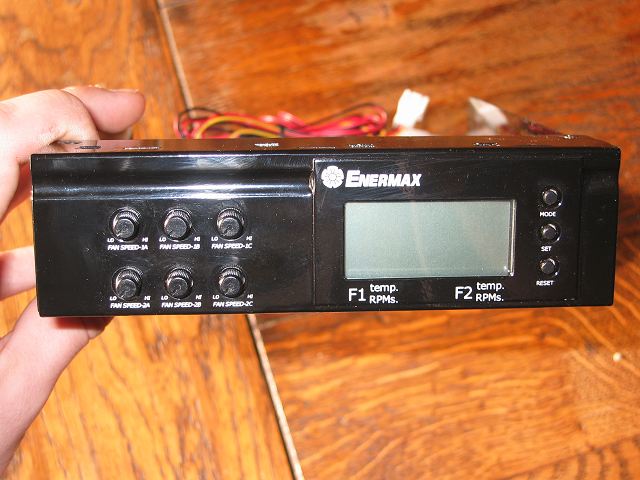
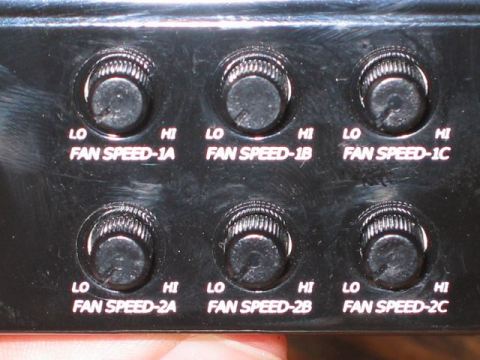
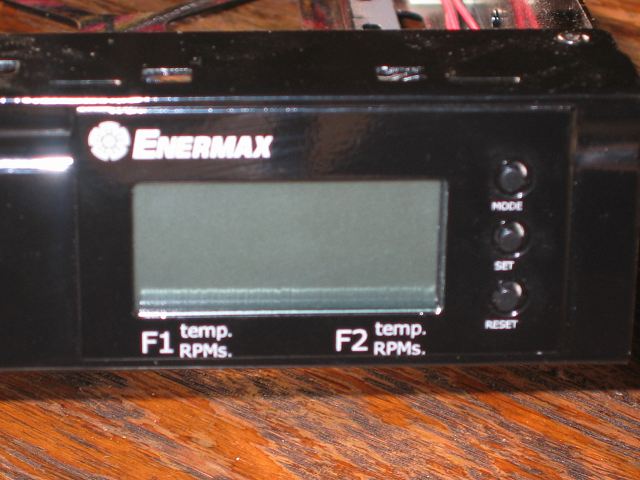
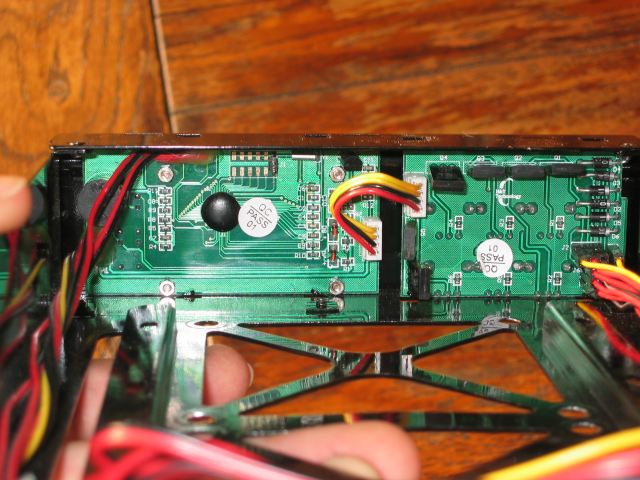
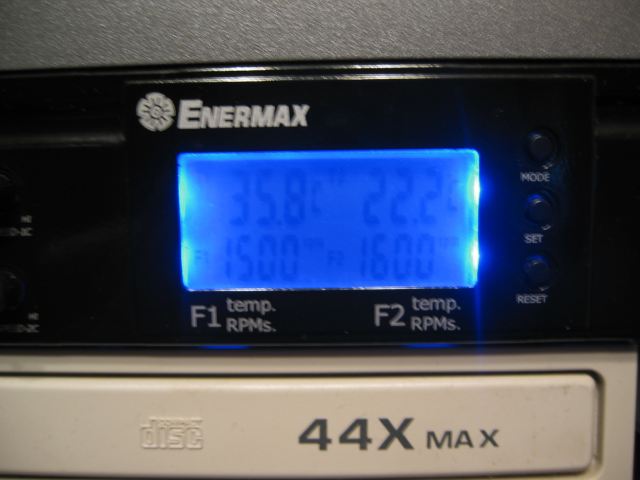
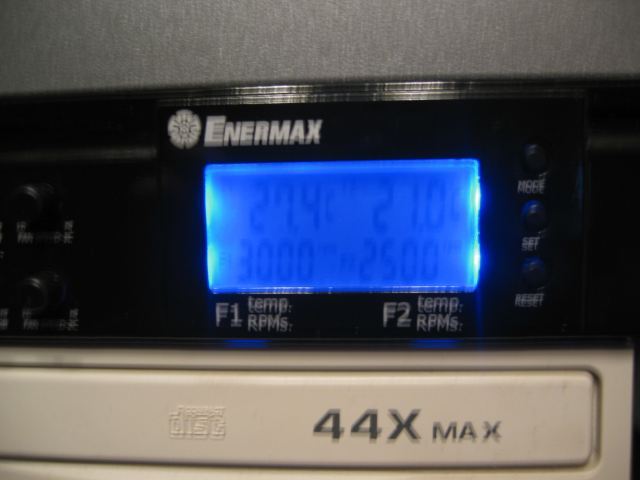
This new peripheral from Enermax is made out of aluminium, the one we review today is the black version. On the left you have 6 knobs to adjust the RPM of fans that you can connect to them. They adjust the voltage from around 6V to 12V, unfortunately you can't turn off fans with this unit. The two first fan connectors '1A' and '2A' have the RPM readout function which you can read on the blue LED lighted LCD screen. Also it shows the temperatures gathered from the two temperature sensors. A nice feature is the buzzer, this alarms you when your temperatures have gone to high, or when one of the 2 fans connected to connector 1A or connector 2A fail. These values can all be configured with the 3 buttons on the right of this unit.
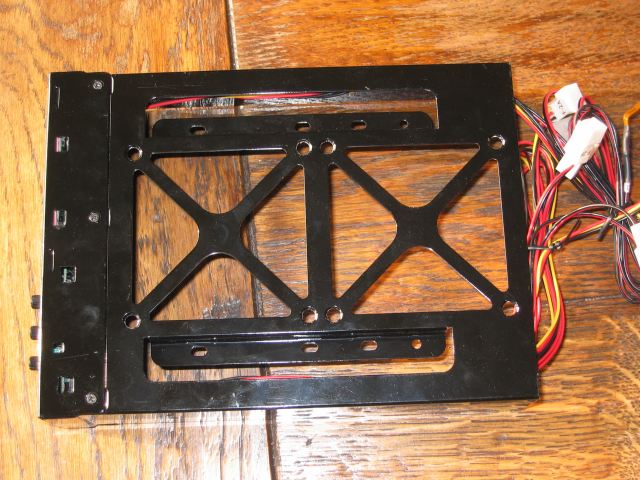
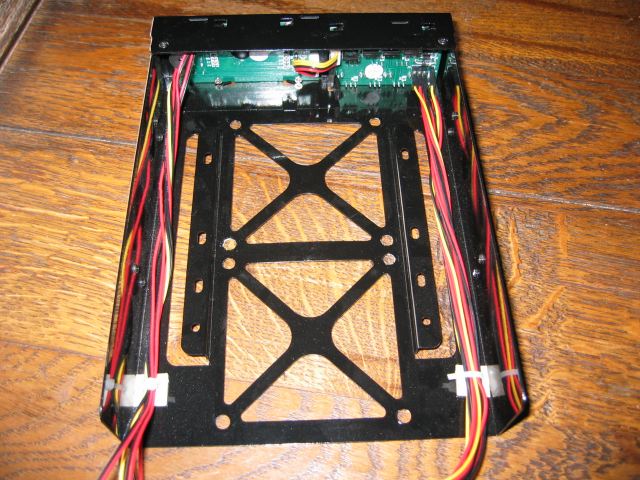
Another great feature of this unit are the mounting holes for two 80mm fans, or even a HDD!
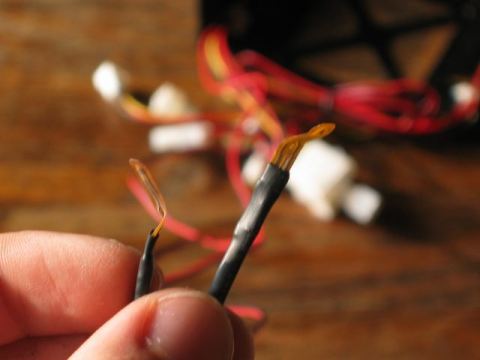
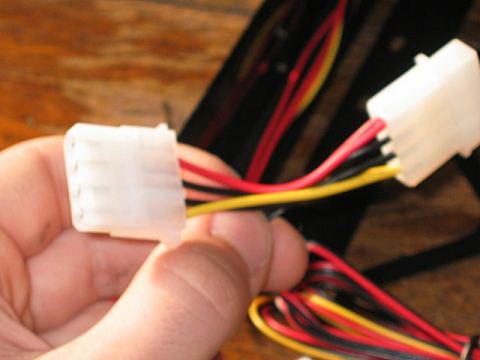
On the left you have the two temperature sensors, they are pretty long so you can easely hang them everywhere you want in your case. On the right we have the pass trough Molex connectors, the unit gets his power from one of these.
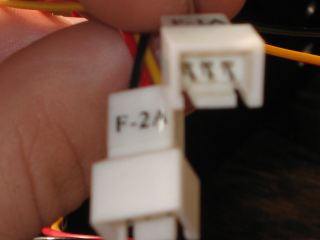
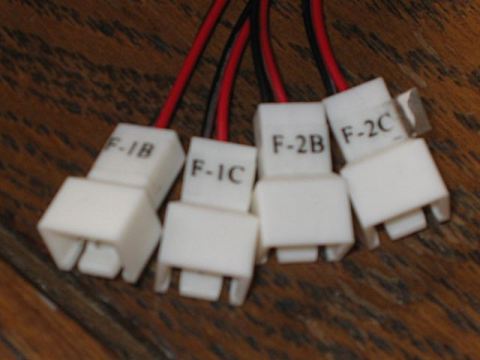
On the left you have the two 3-pin fan connectors. The RPM of the fans connected to those can be read out from the LCD screen. On the right you have the four other fan connectors. The wires of the fan connectors aren't as long as the temperature sensors but still they are long enough to reach to the 3-pin connectors of your fans.
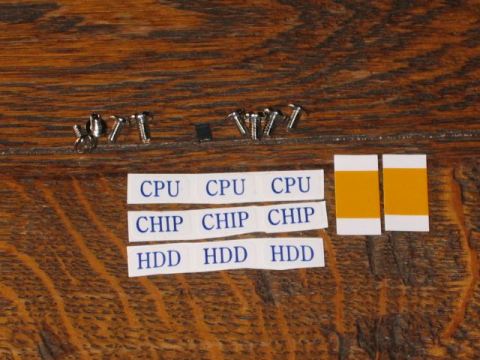
On the left you see the goodies which came with the unit. You have a few screws to screw the unit into your pc, a few stickers, and 2 stickers to stick the thermal sensors against your GPU, CPU or wherever you want it in your case. Also you have a small jumpercap ; there's a small jumper on the PCB plate of the LCD screen, it's used to switch between °C en °F. And on the right you have the manual which comes with this unit.
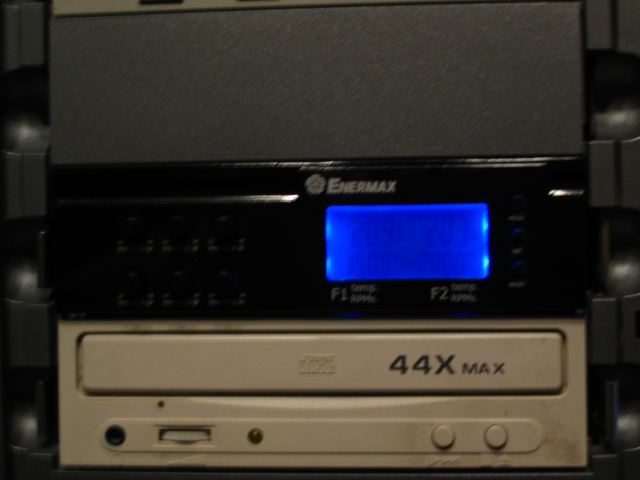
Now I installed the unit in my computer. The installation was ofcourse easy. I plugged in the Molex connector and hooked up three fans. The manual claims that the RPM is monitored real time but in reality it mostly takes about 5 seconds before the value changes on the LCD screen when I adjust it with the fan controller knobs. At the lowest fan speed my system was a lot more quiet. But at high fan speed setting a had the impression that some of my fans were pushing a little air less than normally, altough I'm not 100% about this. The biggest problem with this product is the LCD screen, in daylight it's mostly readable from most corners. But in dark I can only read it when I'm right in front of it, from most other cornes I've problems reading it.
Conclusion
Overall I can conclude that this Fan controller from Enermax has succeeded his goal, making your system more quiet, and still giving it the cooling that it deserves. Unfortunately there's a serious flaw with this unit and that is the bad readability of the blue backlighted LCD screen.
Price is 37EUR
The Good Stuff
- Controls up to 6 fans
- Has a buzzer to warn you when your system becomes to hot or when your main fans fail.
- Mounting holes for a HDD or two 80mm fans.
- Two temperature sensors with long wires
- Has a professional look, it doesn't look childish like some other fan controllers
The Bad Things
- LCD screen has a bad readability
- You can't turn the fans off
The Enermax Tectroid A5 gets a 7/10 from DV Hardware