ThermalTake Eclipse DV VC6000 case review
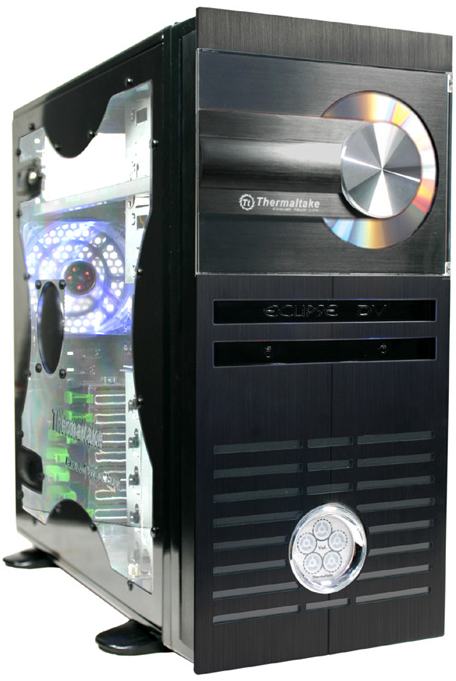
Here's a look at the specifications of this case:
- Case Type: Middle Tower
- Color: Black Coating
- net Weight: 7.55 kg
- Dimensions (H*W*D): 210.0 mm (W) x 500.0 mm (D) x 480.0 mm (H)
- Cooling System
- Front (intake): 120x120x25 mm, 1300rpm, 17dBA
- Rear (exhaust): 120x120x25 mm, 1300rpm, 17dBA
- Material
- Chassis: 0.8mm all aluminum
- Front bezel: Aluminum
- Drive Bays: Total 11 Bays
- External: 4 x 5.25", 2 x 3.5"
- Internal: 5 x3.5"
- Expansion Slots: 7
- Motherboards: 12" x 9.6" (ATX) & 9.6" x 9.6" (Micro ATX)
- I/O Ports: Dual USB 2.0, IEEE 1394 Firewire, Audio & Speaker ports
- Classy all aluminum case design
- Slim DVD Combo Drive included
- Sound level indicator
- Dual silent 120mm front and rear case fan
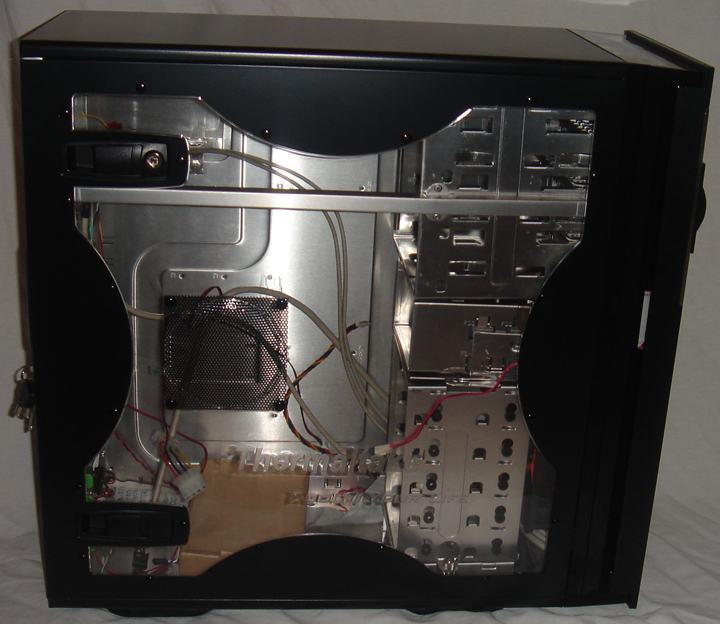
- Transparent side window (Option)
- Security lock for front & side panels
- Read Speed: DVD-ROM 8X, CD-R 24X, CD-RW 24X, CD-ROM 24X
- Write Speed: CD-R 24X, CD-RW 24X

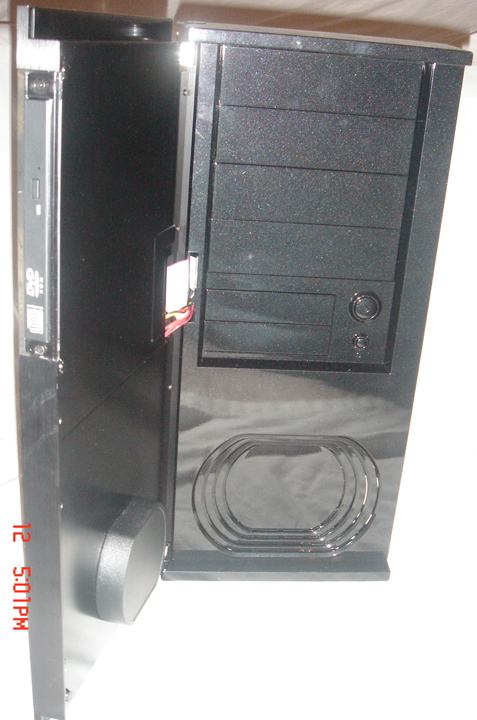
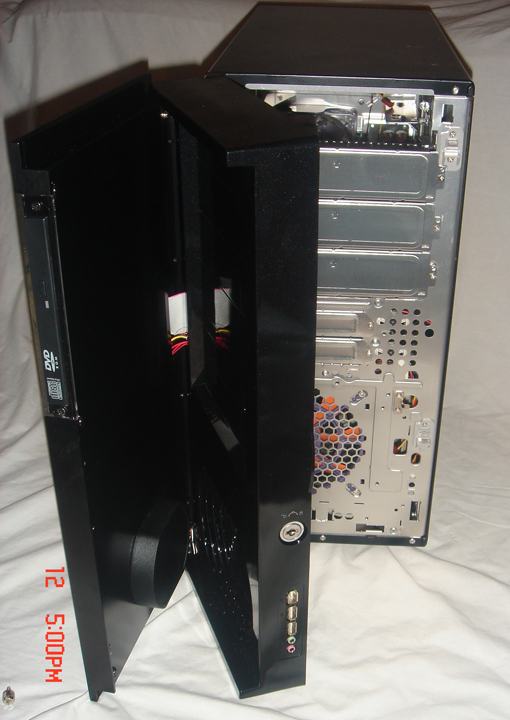
The front of the rig has not one, but two doors. The first door contains the built in drive and the easy access USB ports. Behind that, there is an additional front panel where you can access your 5.25 drives, and this section actually opens up to provide easy access for installation and removal of these drives, and includes a security lock.
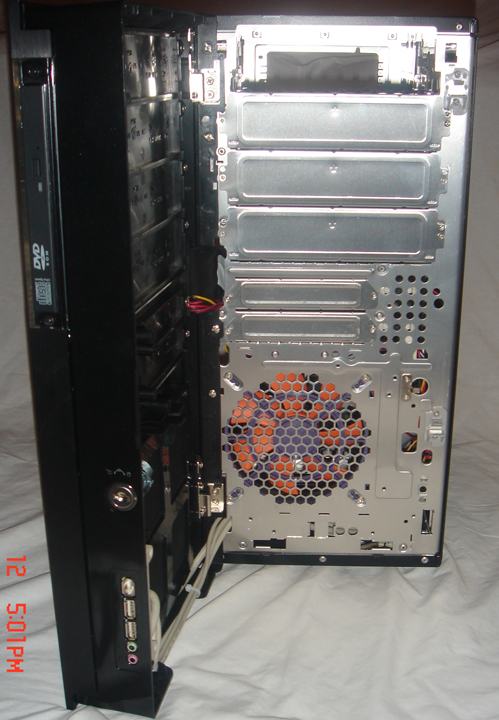
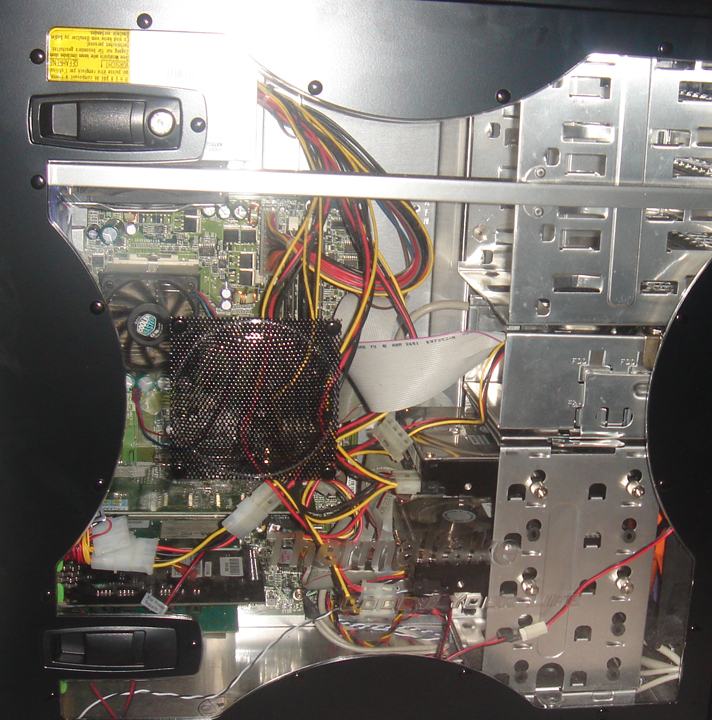
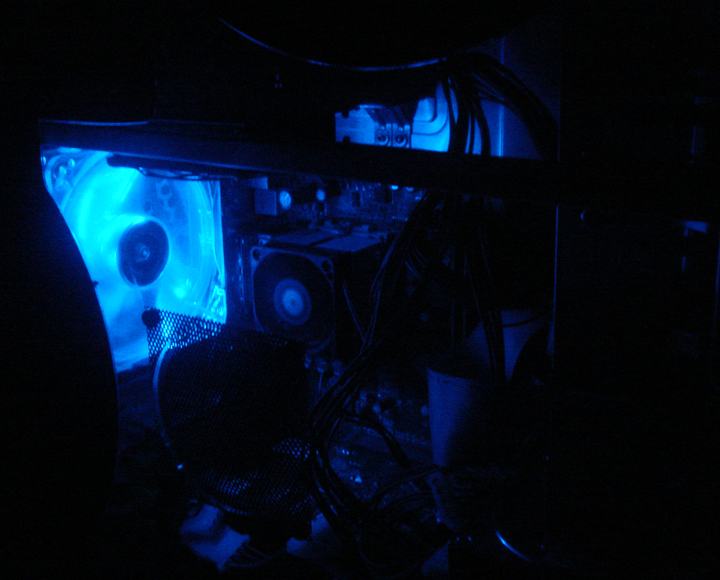
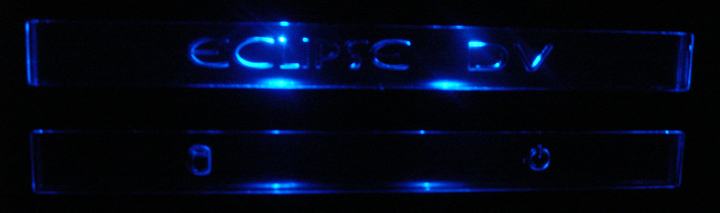
The case has the option for a side panel window, which has the ThermalTake logo etched into the plexi, and comes with a side panel lock for security. Some of the other key features of this case include: LEDs in the front, two 12cm case fans (one in the front, and one in the back), screw-less card slots, tool-free 5.25” drive sliders, and removable cages for the hard drives and other 3.25” drives.

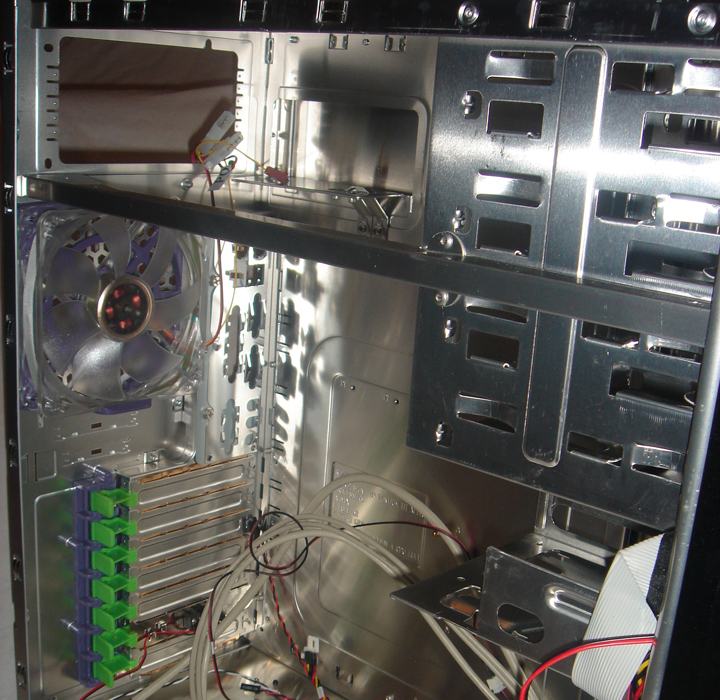
There was very little that disappointed me with this case, but there were a few, minor things that could have been done a little better. One of the issues I did not really care for was the standard flat IDE cable that is connected to the built-in slim combo drive. It would have been much better to have had a rounded IDE cable, or better yet, a serial cable (or at least the option for one). The way it is now, it would be difficult to get to the build-in drive and change it out yourself, so you would be stuck with the ugly, flat IDE showing through your pretty window.
Another potential flaw in design is the hard drive cage. It comes with drive sound dampeners, which would be a plus, but because of these, to mount the actual drives in the cage, you need special screws. These screws are provided, but they pose the potential for a problem, because screws are very easy to misplace.

One final “inconvenience” is the fact that the slim combo drive opens to the side. Because of their innovative side ways combo drive, you can not put your rig into a standard computer desk storage space. The case needs to have a good 4-5” clearance on the right side in order for the drive to fully open.
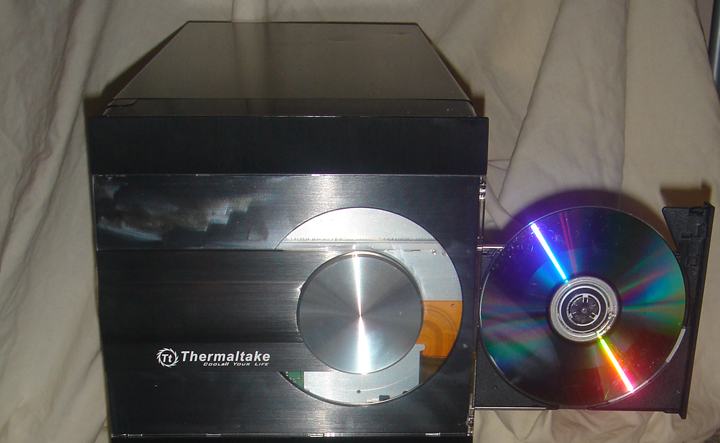
All in all, this is a nice, solid case, and I would recommend it for anyone looking to add a little “flare” to their existing rig, or if you are looking to make a new machine with a little style. It’s sturdy, it makes for a fairly easy installation, and it has some innovative features that not too many mid-tower cases can claim.
The ThermalTake Eclipse DV VC6000 receives a 8/10 from DV Hardware.
PROS:
- Innovative design
- Two included 12cm fans
- Tool less drive and card installation
- Side window and LEDs make for lot of eye candy
- Flat IDE cable attached to built in combo drive
- Front heavy case
- Lack of motherboard tray
- Extra space needed for side opening drive
Added: January 17th 2006
Product reviewed: ThermalTake Eclipse DV VC6000 case
Reviewer: Robert McElroy
Score: 8/10