How to get into the Windows 10 GodMode
 Posted on
by Thomas De Maesschalck

Enabling GodMode is pretty simple. You simply create a new folder (can be created anywhere, but I suggest putting it on the Windows 10 Desktop so it's easy to locate), and give the new folder an intricately specific name.This feature can also be accessed in previous versions of Windows, in Windows 8.1 it gives access to 270 functions.
Create a New Folder on the desktop…
Rename the folder to exactly this (copy and paste is best):
GodMode.{ED7BA470-8E54-465E-825C-99712043E01C}
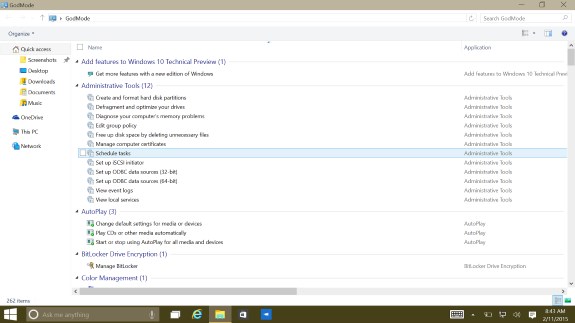
Voila! Welcome to GodMode! Have fun with it.

Comments (0)
No comments yet.