ATP PhotoFinder Mini review
Do you ever look back at photo albums from years ago and wonder where you were when you took those images? With the PhotoFinder Mini from ATP Electronics you'll never have to ask that question again. This product features a GPS receiver and a docking station to geotag all of your photos, allowing you to look up the exact location with tools like Google Earth or Google Maps.The ATP PhotoFinder Mini ships in a cardboard box, the product is named PhotoFinder Mini because ATP also has a bulkier PhotoFinder unit.
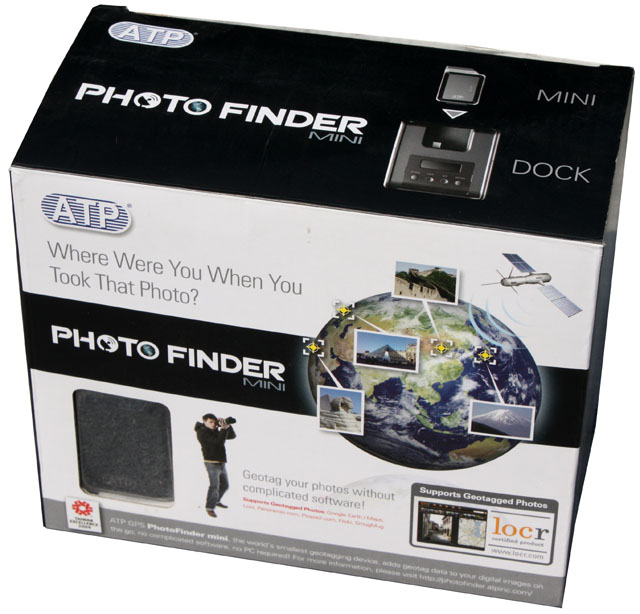
ATP PhotoFinder Mini specifications:
GPS PhotoFinder Mini
| Chipset | SiRF Star III |
| Channels | 20 |
| Sensitivity (Tracking) | -155dBm. |
| Reacquisition | 0.1sec typical |
| Maximum altitude | 18000 m |
| Maximum velocity | 514 m/s |
| Update rate | Continuous operation: 1Hz |
| Operating Temperature | -20 to +60 degrees C (-4 to +140 degrees F) |
| Storage Temperature | -20 to +60 degrees C (-4 to +140 degrees F) |
| Operating Time | More than 16 Hours |
| Connectivity Card | Complies with MMC Micro 128MB |
| USB Connector | Mini USB to external power charger/ Link to PC |
| Memory card | Optional 128MB MMC Micro memory card |
| Battery | Li-polymer rechargeable battery 780mA Max. |
| External Power Adapter | 100-240 VAC 5V@ 1.2A |
| Dimension | 35.0 mm x 24.0 mm x 60.0 mm |
| Weight | 30g |
Multi-Function Docking
| Display | 128x32 Dot Matrix FSTN with backlight |
| UI Language | English (Default ) |
| Japanese ( Optional ) | |
| Traditional Chinese ( Optional ) | |
| Simplified Chinese ( Optional ) | |
| Operating Temperature | -20 to +60 degrees C (-4 to +140 degrees F) |
| Storage Temperature | -20 to +60 degrees C (-4 to +140 degrees F) |
| Connectivity Card | Complies with Compact Flash Specification Revision 4.0 |
| Complies with SD 2.0 SDHC | |
| Complies with MMC 4.2 | |
| Complies with Memory Stick PRO/Duo | |
| USB Interface to PC | USB to Type A male connector cable |
| Power Jack | Mini USB |
| External Power | 100-240 VAC 5V@1.2A |
| Dimension | 83.6 mm x 93.0 mm x 51.0 mm |
| Weight | 135g |
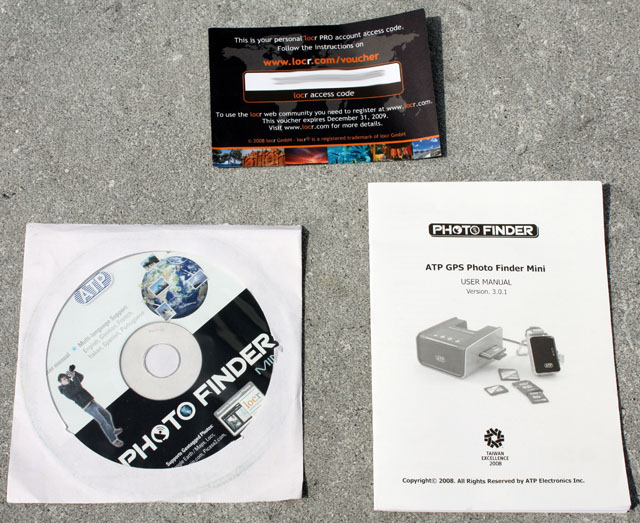
Inside the box is user manual, a free 1-month PRO account access code for locr.com and a CD-ROM with the user manual in six languages.
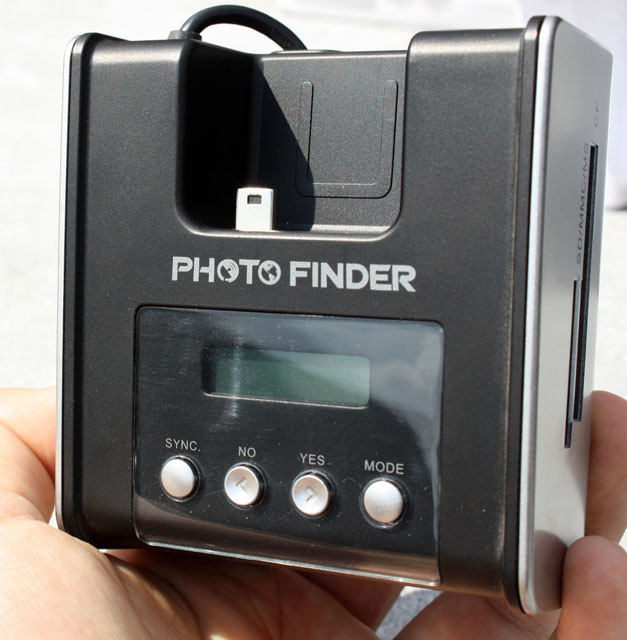
The docking station is made out of plastic and it's pretty big, it's not something you can easily stash away in most camera bags.
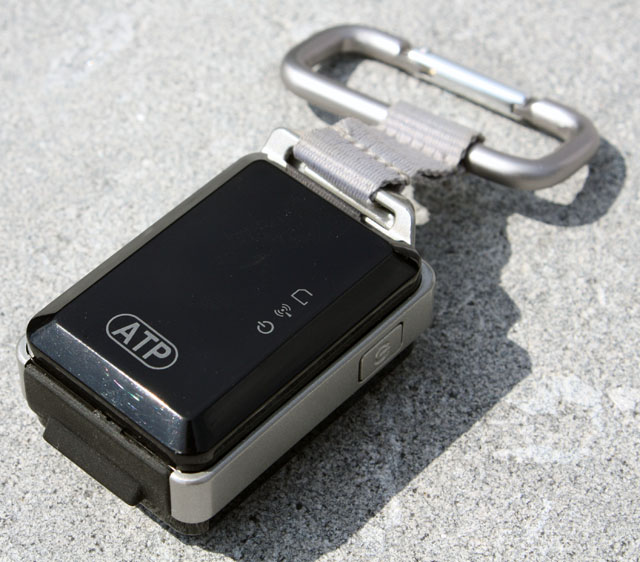
The actual GPS logger on the other hand is very compact and it can easily be clipped to your belt.
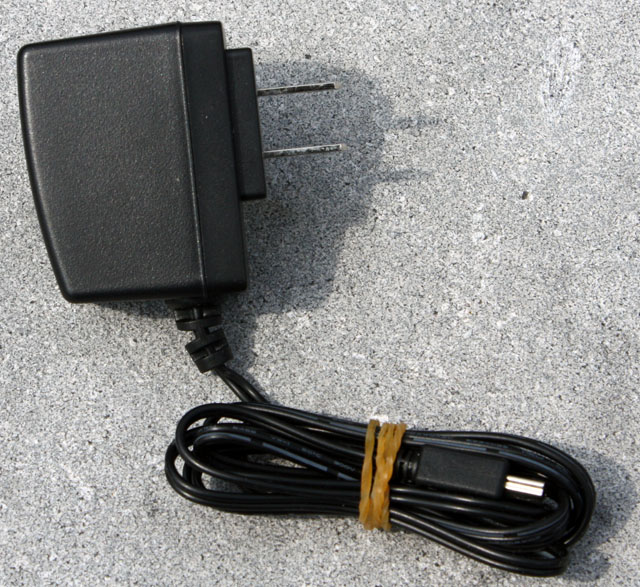
Here's the included AC adapter, you need it to provide power to the docking station because the attached USB cable is only used for data transfer. However, it's also possible to use a Mini-USB cable for power, but this means you'll have to have two available USB ports on your PC.
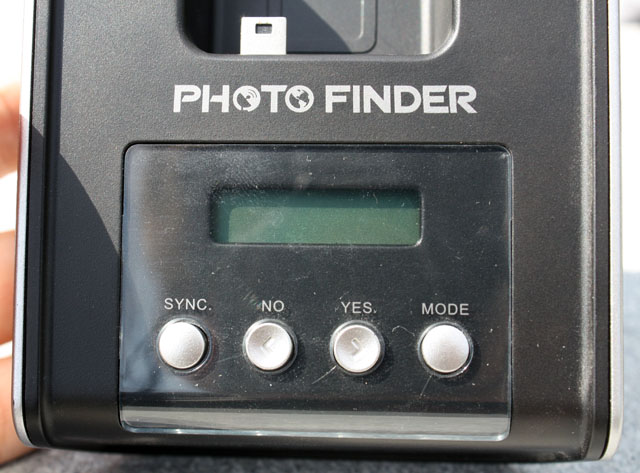
The ATP PhotoFinder Mini dock doesn't require a PC to add GPS data to your pictures, it has a small LCD display and four buttons to guide you through the syncing process. Before using it, you need to match the clock of your camera with the time that the PhotoFinder Mini receives from the GPS satellites. The device adds geotags based on the timestamp of your pictures, so if these clocks don't match the device won't be able to successfully synchronize.
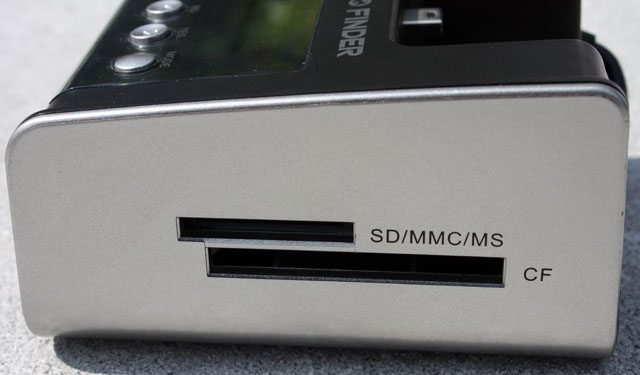
The memory card of your digital camera is inserted in the right side of the docking station. It supports SD, MMC, MemoryStick and CF memory cards. Unfortunately, there's no support for MiniSD or MicroSD.
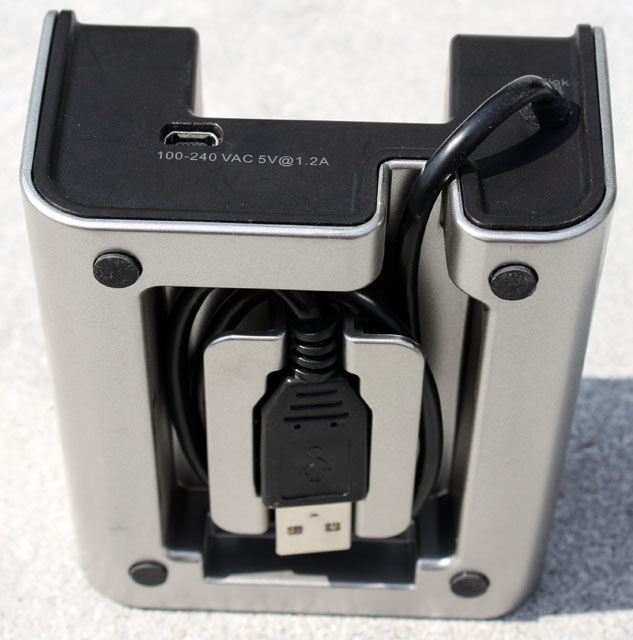
A data transfer cable is located in the back of the unit, but you still need the AC adapter or a Mini-USB cable because the device can't draw power through this cable.

Added: October 4th 2010
Product reviewed: ATP PhotoFinder Mini
Reviewer: Thomas De Maesschalck
Score: 7.5/10
Page: 1/2
