Kingston HyperX 3K 240GB SSD review
Accessories
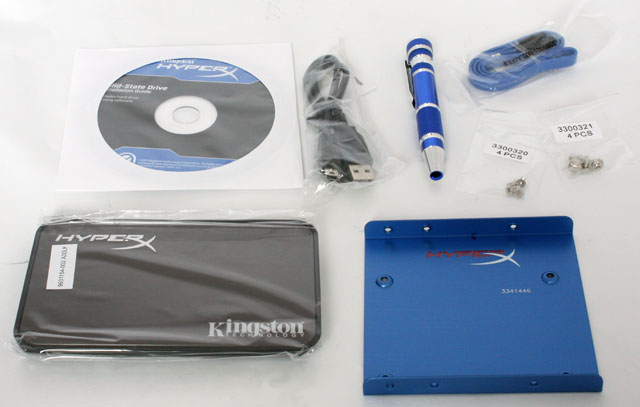
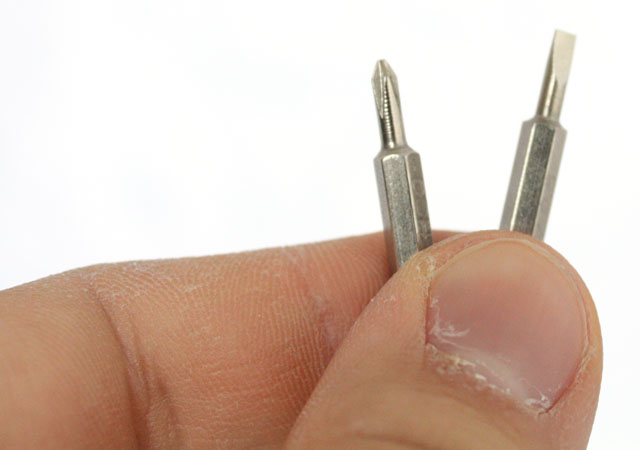
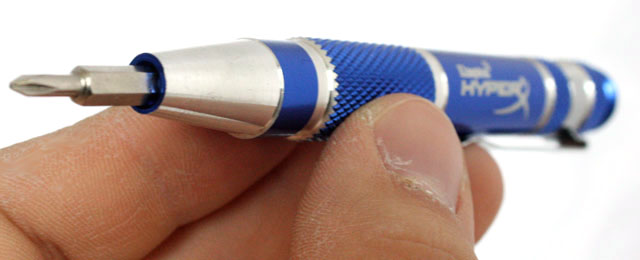
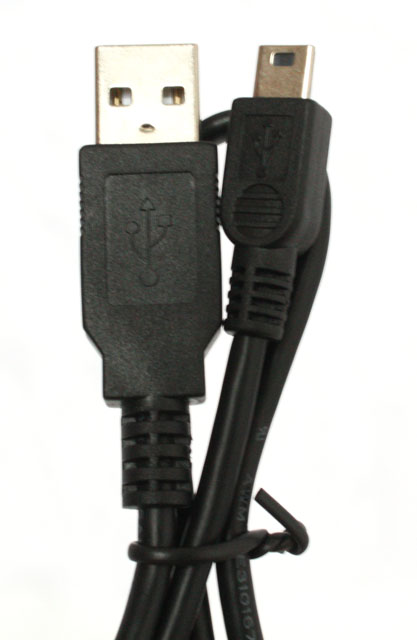
Many accessories are included in the box, including a CD with the installation guide and Acronis HDD cloning software, mounting screws, a 2.5-inch to 3.5-inch mounting bracket, a screwdriver with two tips, a SATA cable, and a USB 2.0 enclosure plus USB cable.
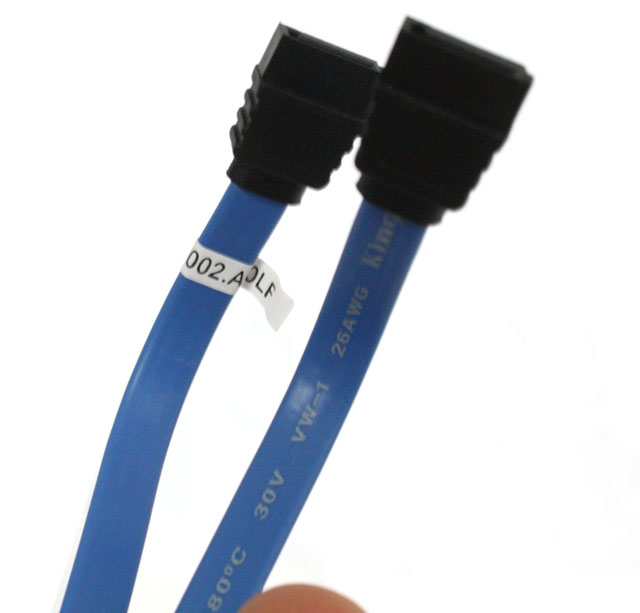
A SATA cable is included in the mix, for connecting the SSD to your motherboard.
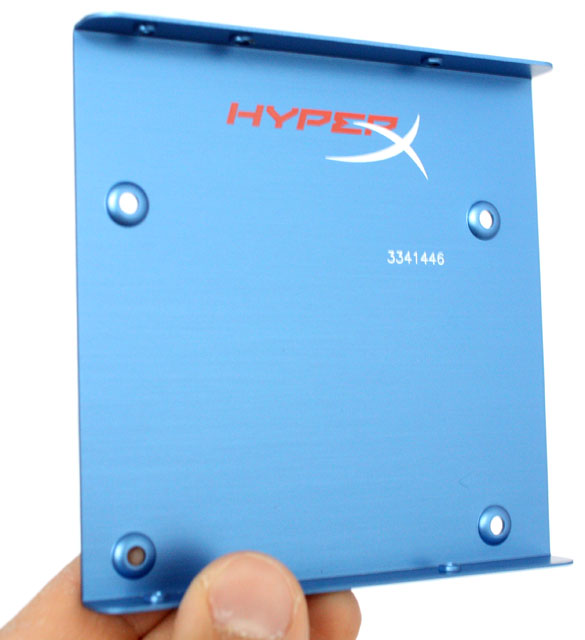
The 3.5" mounting bracket comes in handy if you have an older computer case that doesn't support 2.5" disks. It's made from aluminium and has Kingston's typical blue color.
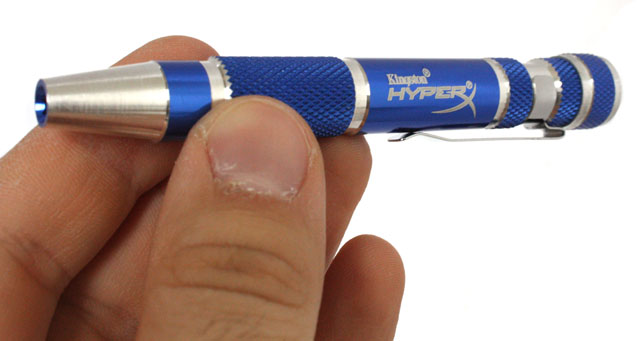
Kingston even included a screwdriver pen so you don't need to search a screwdriver to install the SSD into your case. This cool gadget is made from aluminium and the top part of the pen houses two interchangeable tips; one flat and one Philips screwdriver bit.
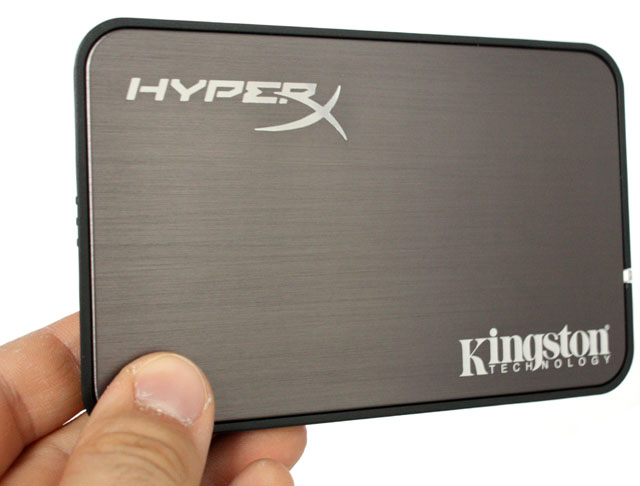
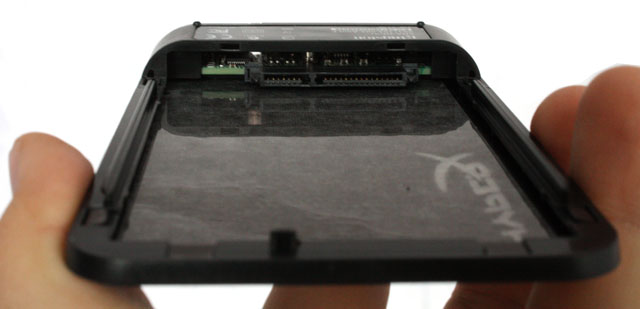
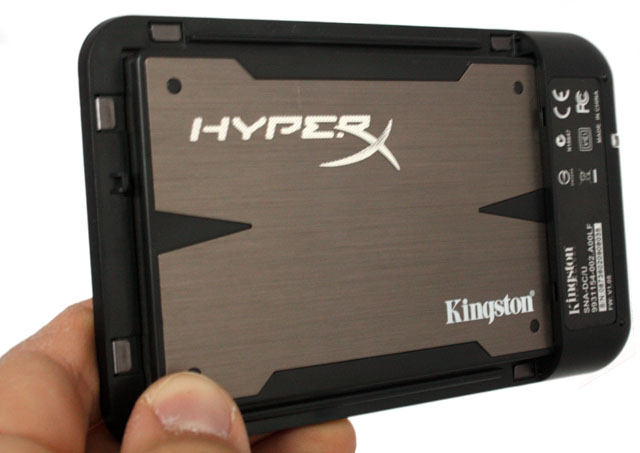
Another interesting accessory is the USB 2.0 2.5" enclosure, it's made from plastic and features a brushed aluminium front, the design is largely similar to the HyperX 3K SSD itself. Together with all other accessories, the enclosure provides very good value for the $10 extra you pay over the stand-alone SSD, but personally I believe most buyers of this product plan on using the SSD inside their PC because a SSD is a bit too expensive to be used for external storage.
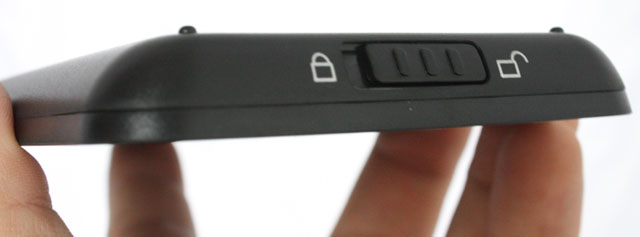
To open the enclosure, you slide the bar to the unlock symbol.
Installing a disk is as easy as sliding it into place, and Kingston also included a USB cable to connect the enclosure to your PC.
 Previous Page (1/3)

Added: November 27th 2012
Product reviewed: Kingston HyperX 3K 240GB SSD
Reviewer: Thomas De Maesschalck
Score: 9.5/10
Page: 2/3
