Here you can see the USB cable and the blinking cursor that you'll see when you plug in the LCD screen. The installation of this LCD screen was really plain simple.
First screw it into one of your drive bays. After that download the USB driver from here and install it. Now connect the USB cable to one of your USB ports. This can be a problem sometimes, because the USB ports are on the back of your PC. Solution for this is to make a hole in one of your PCI brackets, or in your case. After you've plugged it in Windows will find a new hardware component. Use the search function and select the driver that you've just downloaded. That was very simple, wasn't it :-) To control the LCD screen you'll need some software for it. You can use CrystalControl, some third party software or you can write your own programs (in C++ of VB) for it! There are are a lot of good programs on the market (some are free, others will need to be payed for) and first we'll be taking a look on CrystalControl.
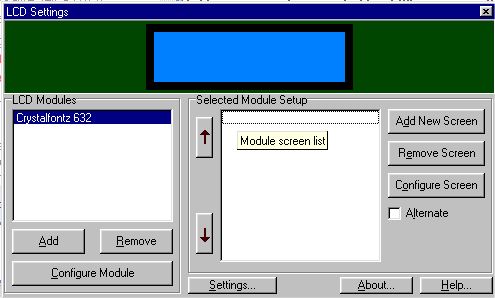
This is Crystal Control. It's an easy program with a lot of functions.
On the left you click on add. You select you LCD screen (in this case the Crystalfontz 632). Then the interface type (the COM port can be found in the configuration panel , under the system manager tab) and the Interface Speed (19200 in my case). You can also adjust the Character contrast and the brightness of the backlight.
In here you can configurate the 2 lines of the LCD screen. You can type in a static text (like your name, nickname, website, ...) or choose some of the tags.
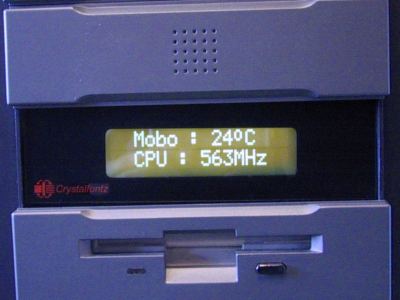
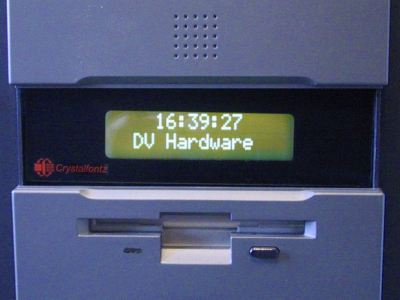
This program can display various things. Winamp (track names, track times, bitrates, play times,...), Motherboard monitor (MBM needs to be running for this, voltages , fan speeds, ...), memory usages, disk info, date and times, network stats, Seti@Home stuff, email monitoring, game server info and much much more!
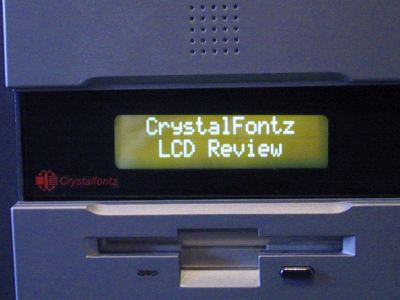
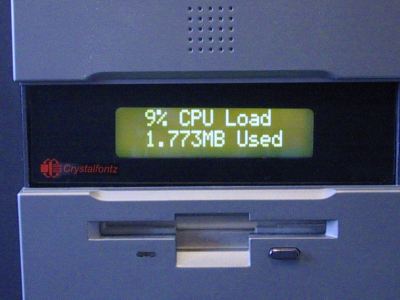
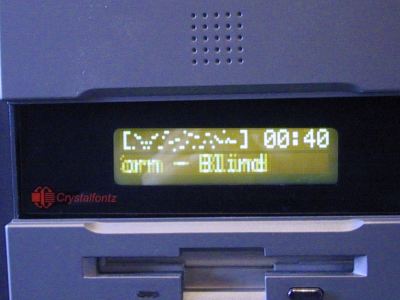
Next pictures are all taken with the CrystalControl program
This was Crystal Control, now we'll be having a look on LCDdriver. This driver can control various LCD screens like the ones from CrystalFontz and Matrix Orbital. It has a few free bundled programs like MBMLCD (brings you temperatures, fan speeds, and voltages from Motherboard Monitor), a Winamp visualizations plugin (it has Spectrum Analyzer, Oscilloscope, and VU Meter and it's really cool to see!), and a visualizations plugin for Windows Media Player.
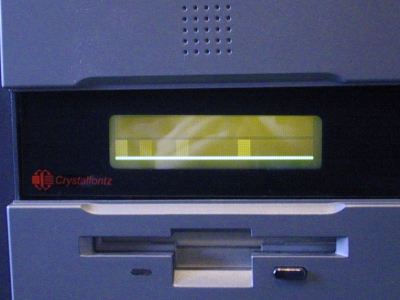
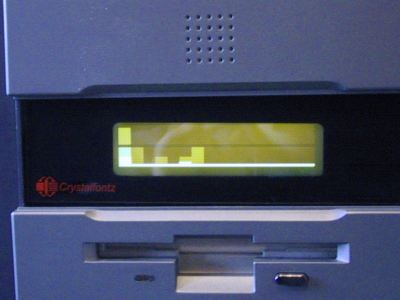
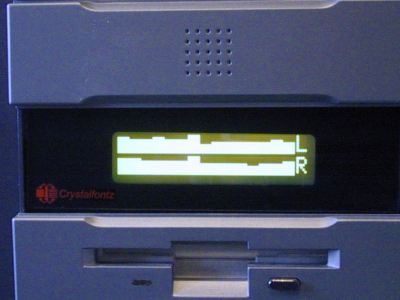
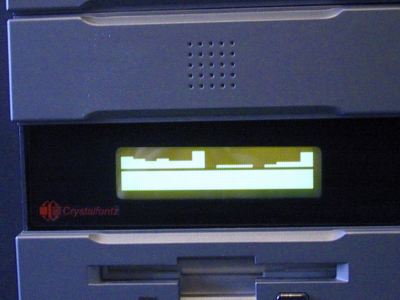
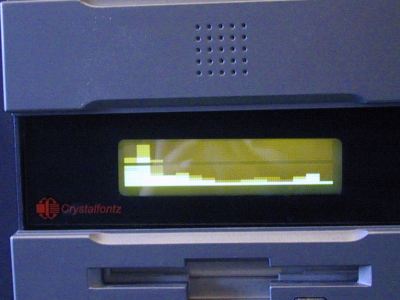
Here are some pictures of the LCD screen while being controlled by LCDdriver!
These were some pictures of the Spectrum Analyzer plugins from LCDdriver in Winamp and Windows Media Player. Now 2 pictures of the Oscillioscope
The Winamp and Windows Media Player visualizations are almost the same, and they look very very cool! This LCD screen can display a LOT of things and there are a lot of good programs available on the internet for it. Winamp visualizations, temperature/voltage/RPM/... monitoring stuff, stock quotes checkers, game server info, email checkers, all this, and many more! And if you can't find the thing you're looking for you've also got the choice to write it yourself (not that many people will be able to do that, but it's possible). So the possibilities with this LCD screen are almost endless.







 Previous Page (1/3)
