Netgear Storage Central SC101 review
Bad stuff:Hardware Issues:
1a) No peer-to-peer network connectivity (UPnP support).
1b) Drivers are only compatible with Windows XP, Windows 2000, and Windows Server 200x.
2) It only supports IDE ATA 6 or 7. Most new drives on the market meet this requirement but older drives will likely not.
3) This system uses a partition format unrecognized by Windows, So these hard disks can not be disconnected and put into another computer without being reformatted.
4) This device allows password protection of each individual logical drive but does not support NTFS level security, there are no folders restricted to specific machines.
5) The disks are passively cooled and the device can get extremely hot when in use. Whilst this does not seem to adversely effect operation, using two fast hard drives could lead to premature failures.
6) No file level compression or associated security.
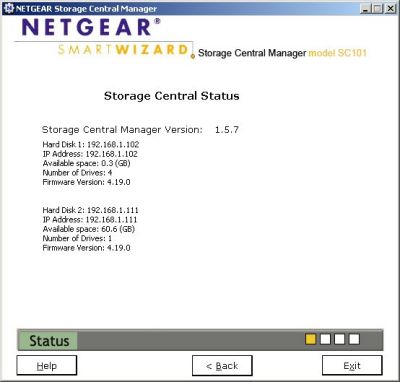
7) Each physical hard disk requires one IP address.
Software Issues:
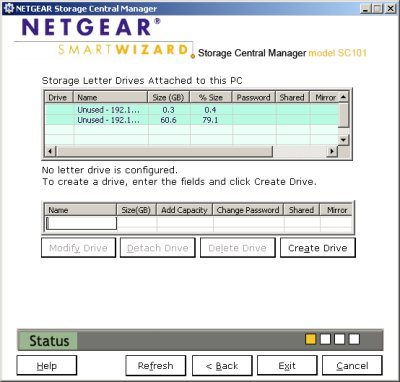
1) No web based management utility, device setup can be done from any computer with the interface drivers but each computer’s drives must be configured individually.
2) The interface software is true 64 bit and is not compatible with windows 9x systems;
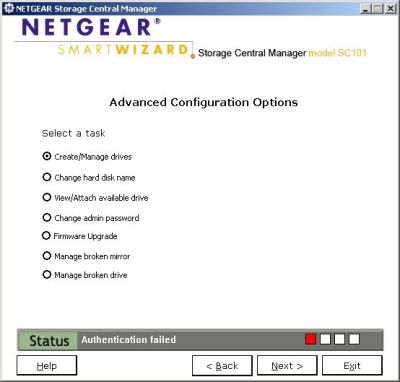
3) The configuration utility is simple to use but is very basic, I am using version 1.5.7.
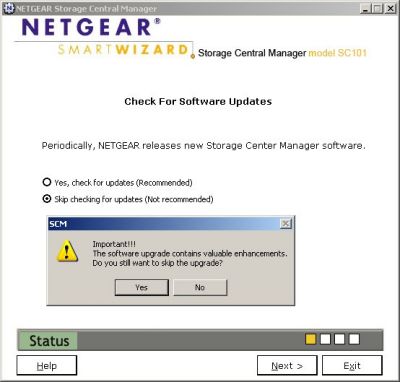
4) Every time the utility loads, it asks the user if it should check for and install driver updates. This can be bypassed but you are informed that “the software upgrade contains valuable enhancements” regardless of if you are using the latest version or not.
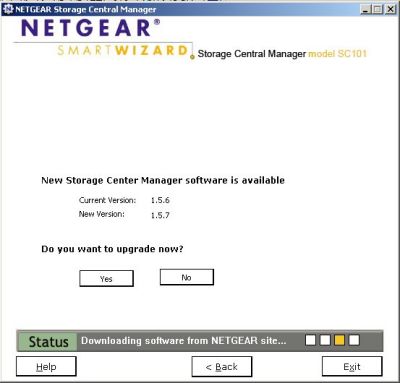
5) The update process takes an unpredictable time (there is indication of activity but not of total progress or time required) and is not automated; download and update are not integrated and requires answers to questions that are implied.
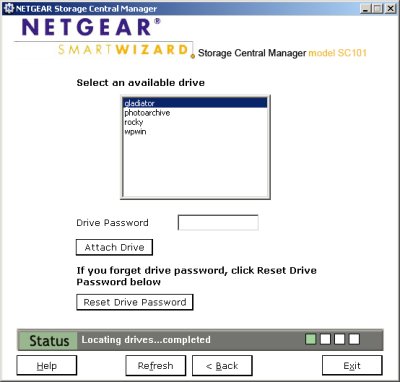
6) When the device firmware is updated, the drivers and utility software on all the computer must be upgraded and sometimes the drives need to be reattached.
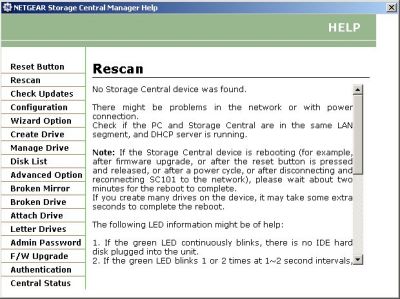
7) There is an online help system which explains the utility features, but does not include any instructions, user guide or how to information.
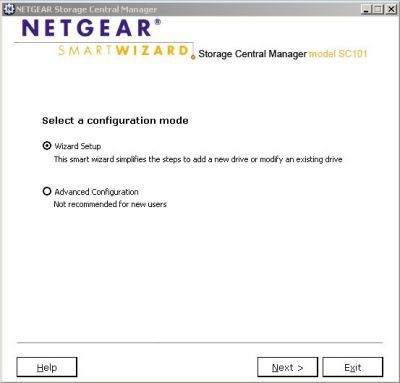
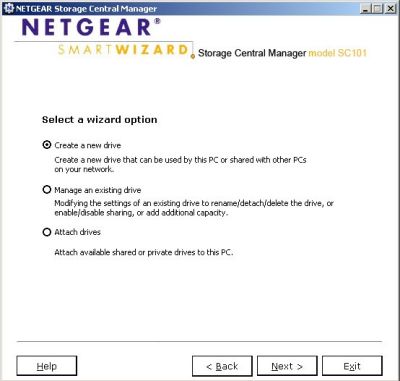
8) There are two configuration options, advanced and a set-up wizard, drives created with the advanced method can be attached by the wizard but these drives are ignored and can not be managed.
9) No audio streaming support.
 Previous Page (2/4)

Added: December 16th 2006
Product reviewed: Netgear Storage Central SC101
Reviewer: Michael Hart
Score: 7.5/10
Page: 3/4