Razer Tarantula keyboard review
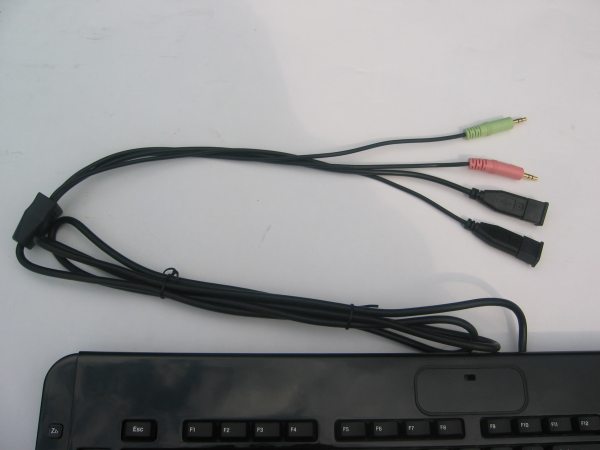
The cables of the Razer Tarantula are quite long, I measured them and found that they are about 2 meter (6.5 foot) long.

One of the USB cables is used to power your keyboard, the other three cables are used for these ports. There are two USB ports and it's also possible to connect your headphone and microphone to the keyboard.

A nice touch is that the gold-plated USB connectors feature a cap for extra protection. The green cable and pink cable need to be connected to your sound card if you want to use the Tarantula's headphone and microphone connectors. Unfortunately, there are two small problems with the USB ports on the Tarantula, the first one is that they aren't powered by the same cable as the Tarantula keyboard and the second issue is that they aren't USB 2.0 but USB 1.1 which is a lot slower.
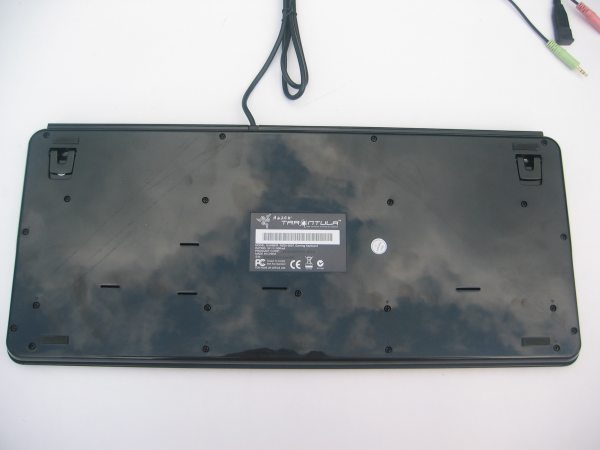
Most of the pictures in this review where taken outside. As you can see in this picture the glossy finish of the Tarantula is very mirror-like, you can see the reflection of the clouds on the keyboard. The back of the keyboard also has four rubber strips to prevent slipping.
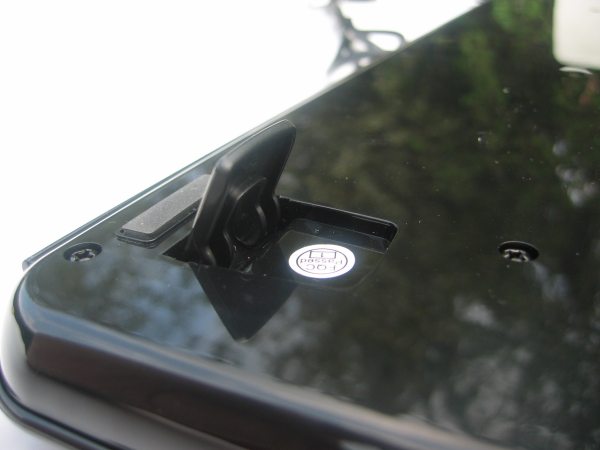
Like on most keyboards, there are also two standoffs to raise the height a bit.
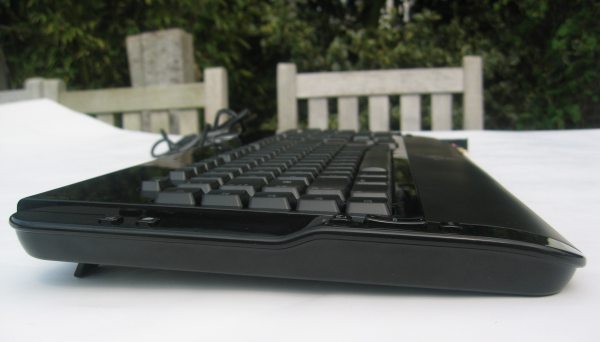
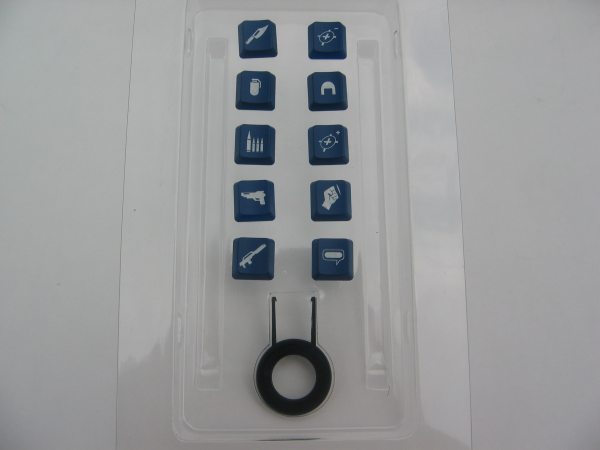
The keyboard ships with ten special blue-colored keys. These buttons are designed to replace the 10 programmable macro buttons and you can also find a special tool inside the box which makes it a bit easier to remove keys. Most of the icons on these ten buttons are for FPS games. There's a grenade, a pistol, a machinegun, an axe, a fist, a chat button, a helmet, an ammunition button to reload your gun and there are also two buttons that could be used for sniping.
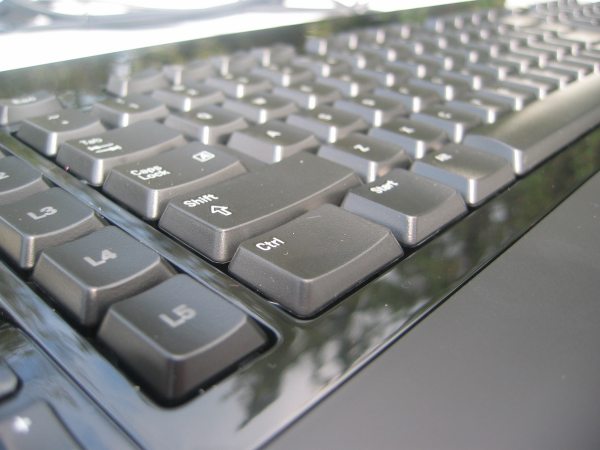
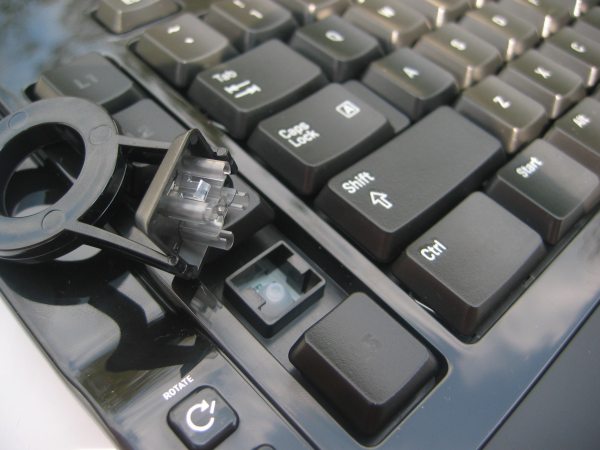
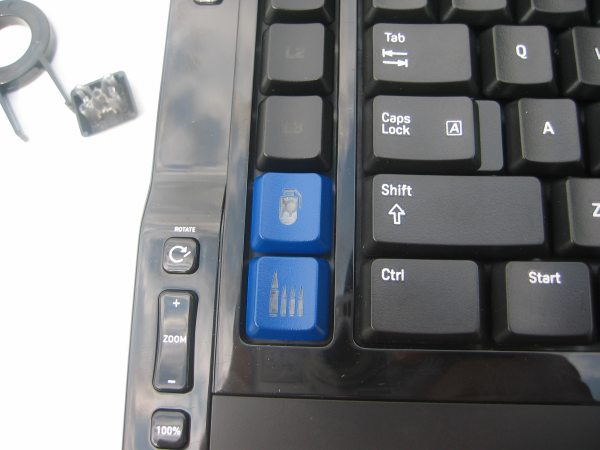
Razer made some modifications to the keys and the key sockets so you can remove the keys without fearing that something may break off. This feature is also handy to clean your keyboard.
 Previous Page (2/4)

Added: April 23rd 2007
Product reviewed: Razer Tarantula keyboard
Reviewer: Thomas De Maesschalck
Score: 9/10
Page: 3/4
