ThermalTake Bach VX case review
On this page I'm going to describe the rest of this case's exterior.
The top
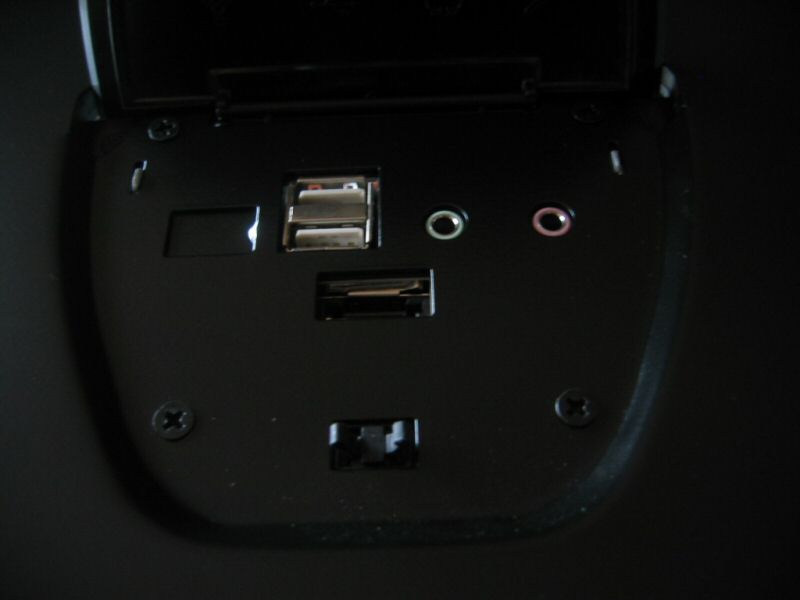
Let's start with the top. It's black like the rest of the case and features a plastic cover. Push on it and it will flip open. Under the cover, you'll find two USB 2.0 ports, audio and microphone connectors, and also a connector for an external Serial ATA drive.

The bottom
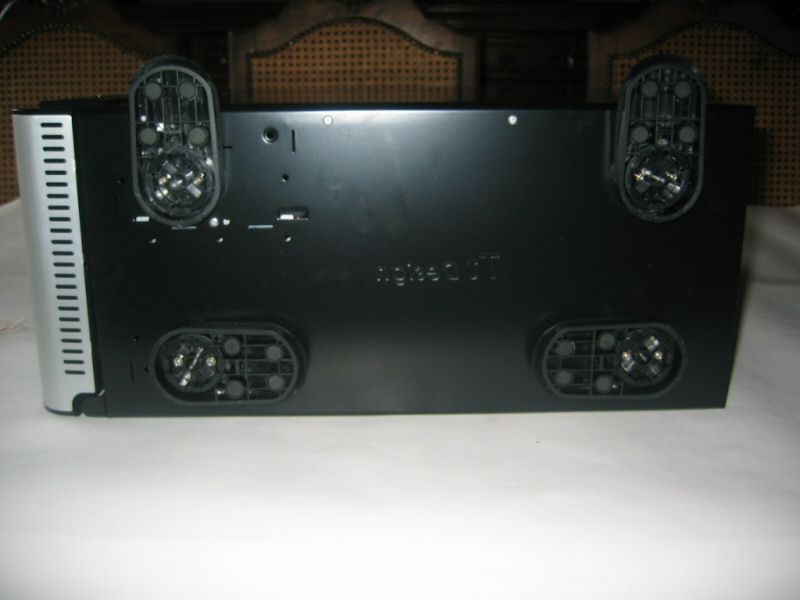
The bottom of the Bach VX case features four plastic feet which can help stabilize your case.
The back
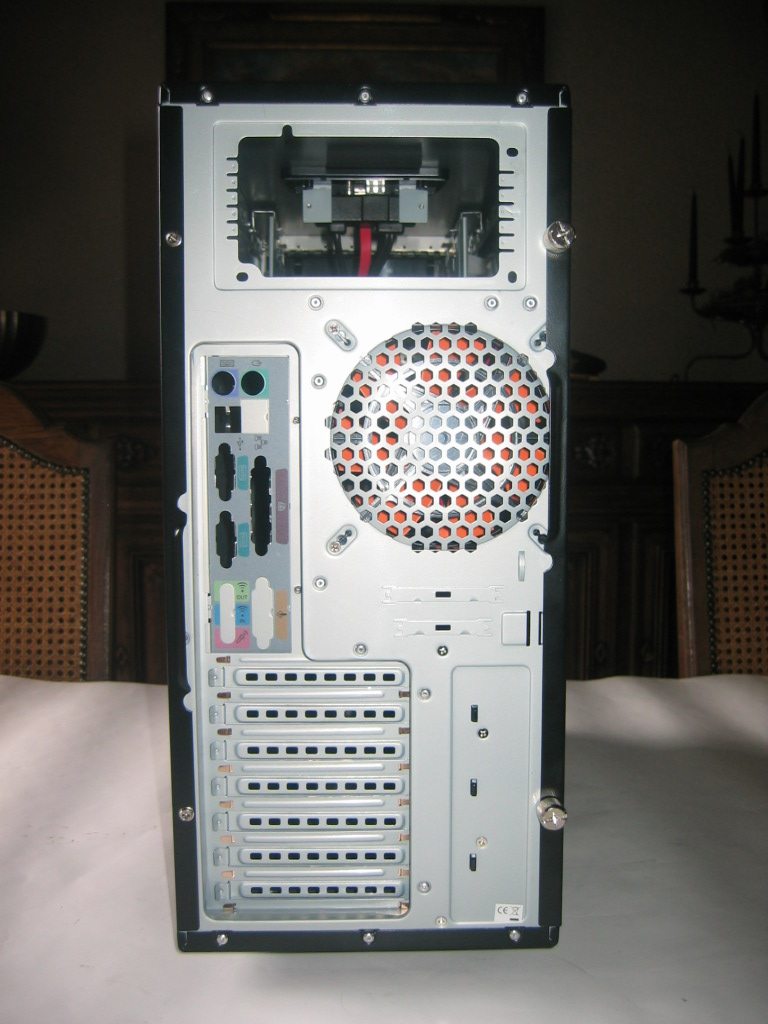
The left front panel is secured with normal screws while the other panel is secured with big thumbscrews.
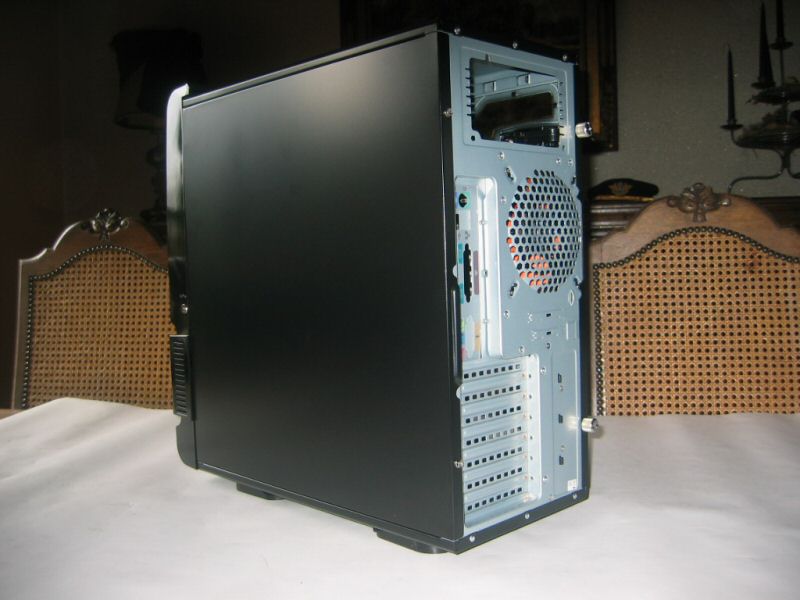
On top, there's a hole for the power supply. Under it, you can find the included cover for your motherboard (if it fits) and next to it there are ventilation holes for the 120mm exhaust fan.

Side panel with window
The Bach VX can be shipped with this nice looking case window which is shaped like a rounded X. The version without the window is just black but it also has a hole for a 92mm fan. The case window features an engraved ThermalTake logo and the "Cool Your Life" slogan.
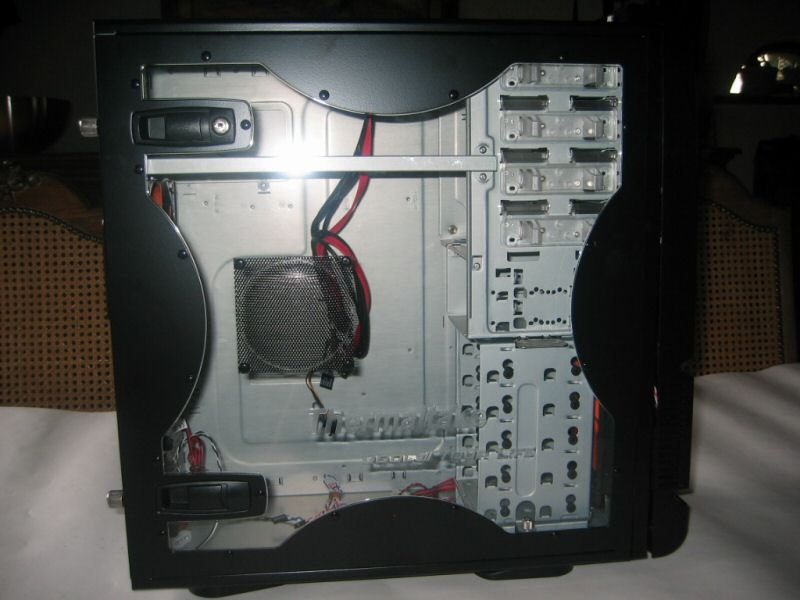
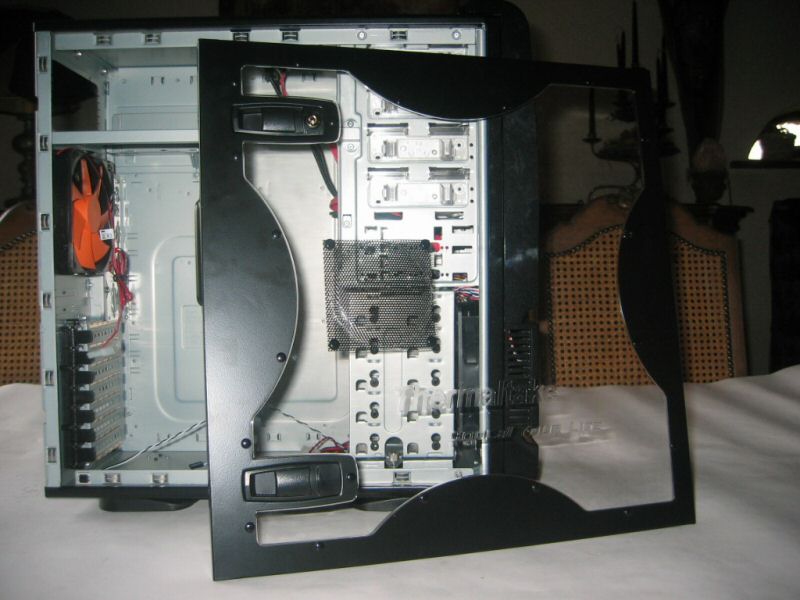
The side panel can be easily removed with the two latches, the upper one also has a lock to prevent people from stealing or messing with your hardware at a LAN party ;)
The panel has a black ventilation mesh, you can use this to install a 92mm fan for increased processor, graphics card, and motherboard cooling. To install a fan you just have to pop out the black plastic thingies that are holding the fan grill in place. You then have to secure your fan and the mesh with four regular fan screws.
 Previous Page (2/5)

Added: February 14th 2007
Product reviewed: ThermalTake Bach VX case
Reviewer: Thomas De Maesschalck
Score: 9/10
Page: 3/5
